
Using an Adjustment Screen
An Adjustment Screen allows you to modify amounts already saved within the system. Unlike the other screens, adjustments are typically presented as prompts where you enter corrections or updates directly. For example, opening an adjustment screen may let you revise a adjust costs, quantity or price ensuring that recorded values remain accurate and aligned with operational needs.
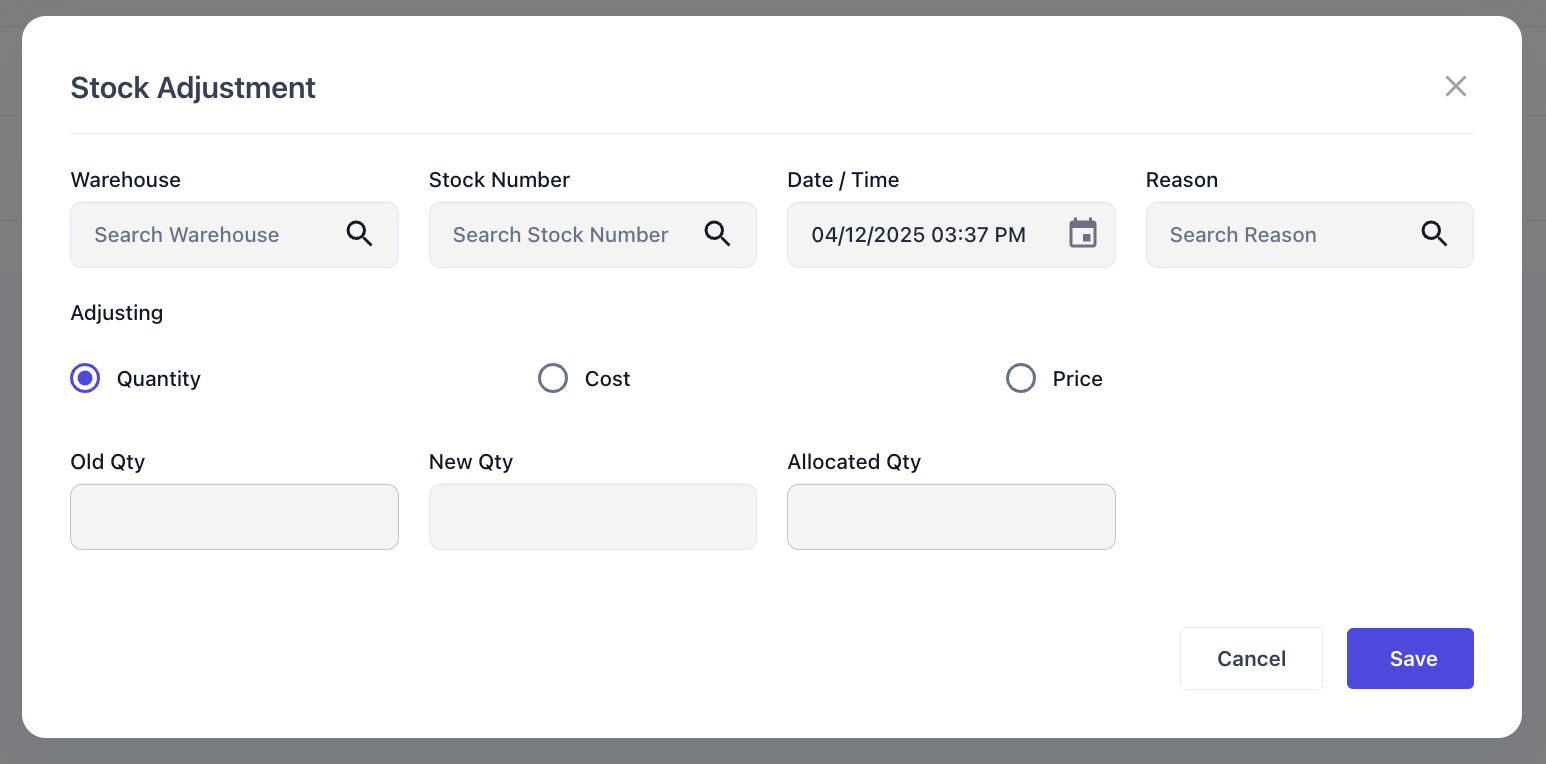
Adjustment screens typically include contextual fields such as the branch or warehouse you are adjusting from, and the item you are adjusting to. They also prompt for the date and time of the adjustment for future references. Once these details are entered, the system displays the existing amount for reference, allowing you to input the new amount with reference to the old one.