
April 2026
Welcome to the April 2026 Release of Latner! This month’s update delivers a wide range of enhancements across workflows, equipment & work order management, mobile functionality, and overall user experience. We’ve focused on improving visibility, streamlining everyday processes, and giving your team greater flexibility both in the office and in the field. From smarter filtering and better integrations to enhanced mobile capabilities and UI improvements, this release is all about helping you work faster and more efficiently. Below is a full breakdown of what’s new in this release.
New Features
User Experience
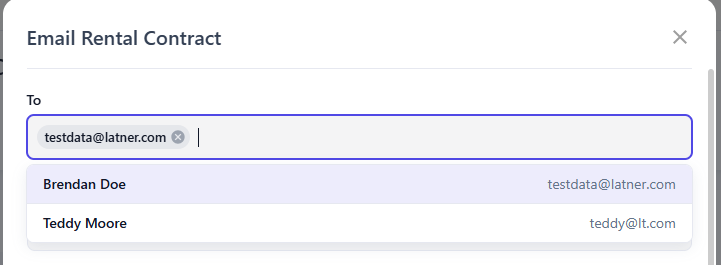
Searchable Customer Contact
You can now search for customer contacts directly when emailing from within Latner, making it easier to add recipients to the To and CC fields.
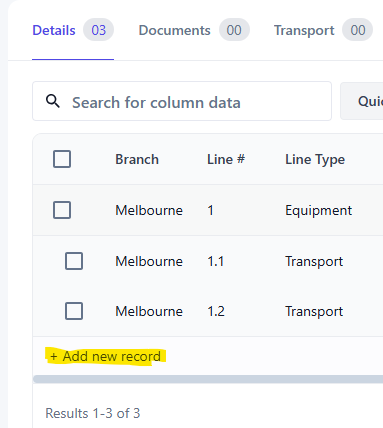
Add Record from Table
A button has been added to the bottom of tables, allowing you to quickly add new records with less scrolling and fewer clicks.
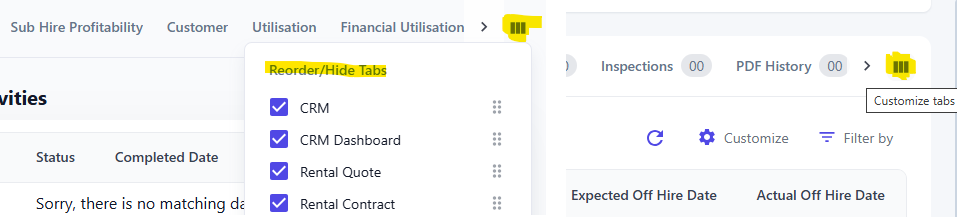
Customise Tabs
Users can now customise tabs within detail screens and dashboards, giving you more control over how information is displayed.
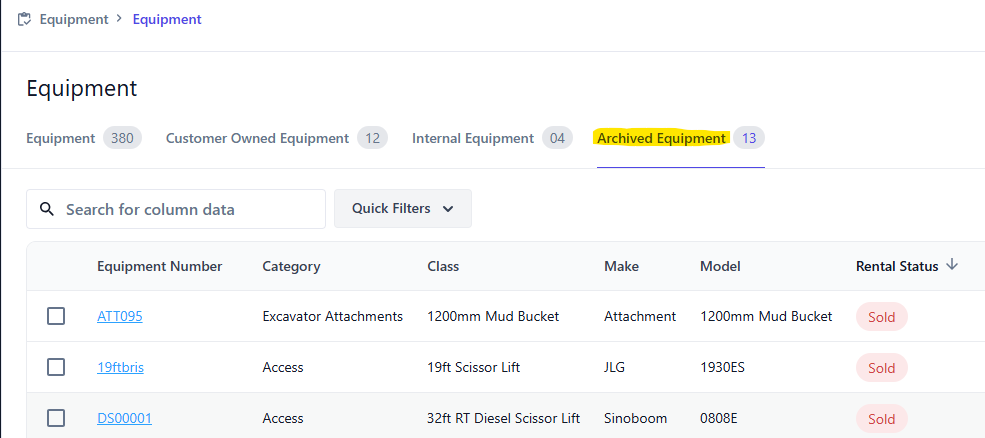
Archived Equipment
Sold, disposed, and inactive equipment is now moved to Archived Equipment, helping keep your active lists clean and easier to manage.
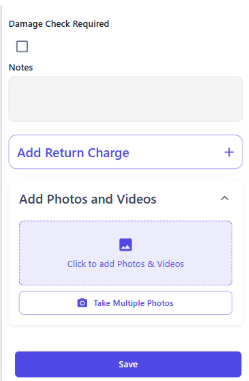
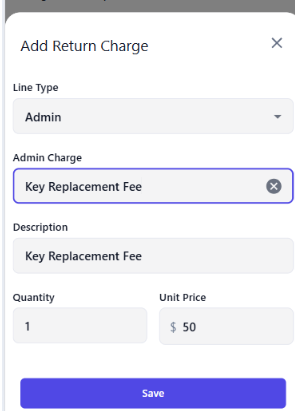
Mobile Return Charges
When completing a mobile return, users can now add admin charges and damage lines, which are automatically applied to the rental contract. This feature is controlled by a setting.
 |  |
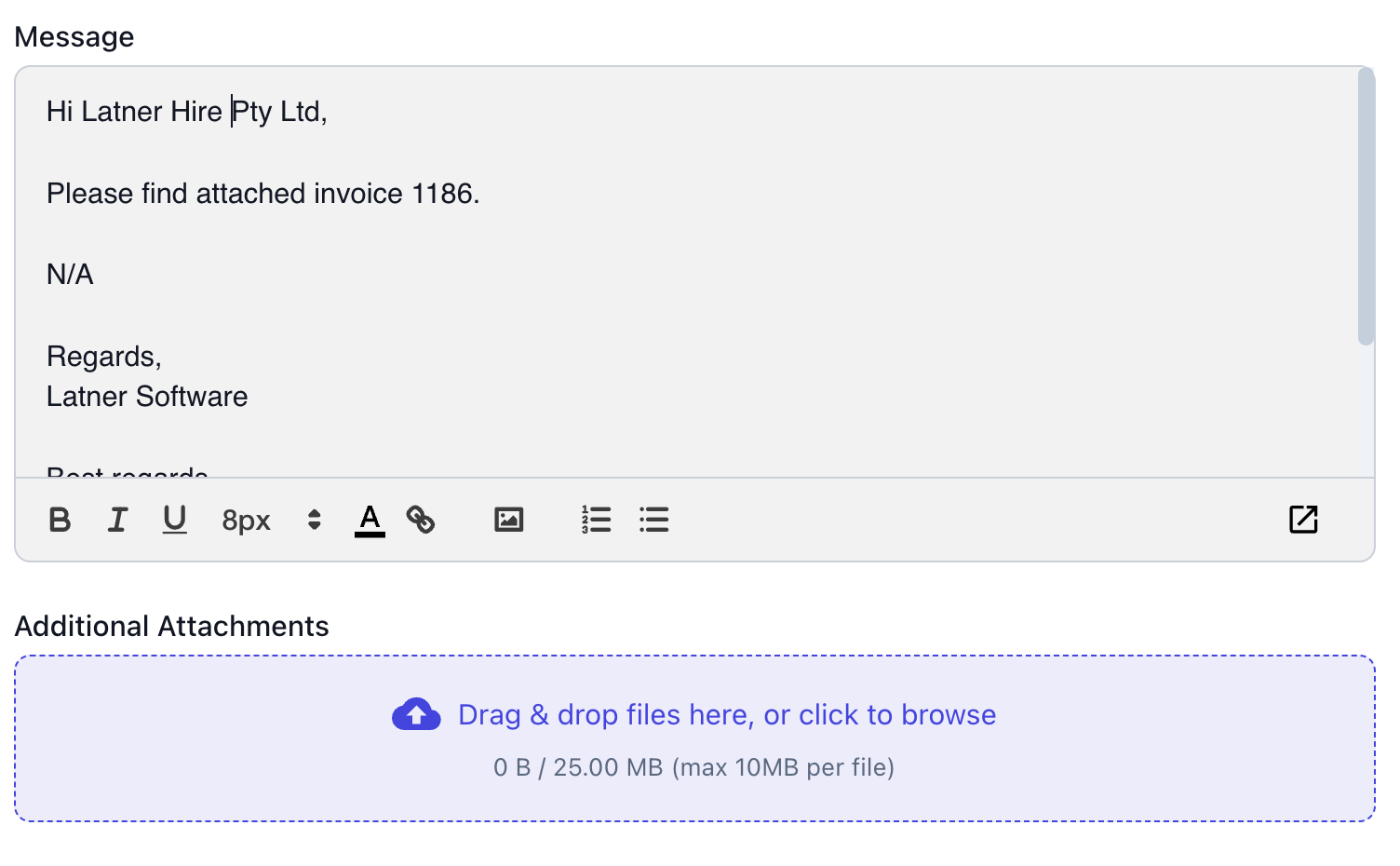
Email Multiple Attachments
You can now attach multiple files when sending emails, making it easier to share all relevant documents at once.
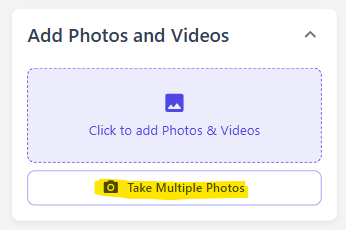
Mobile Multiple Photos
You can now upload multiple photos at once to records such as inspections, work orders, and transport dockets, saving time in the field.
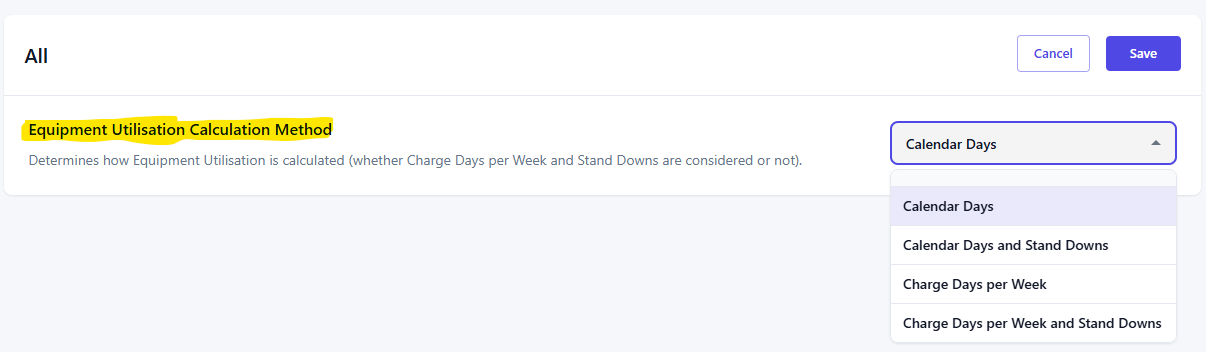
Utilisation Dashboard
We’ve added more flexibility to how equipment utilisation is calculated. In settings, you can now choose from the following options:
Calendar Days: Counts every day of the week
Calendar Days with Stand Downs: Includes all days and accounts for stand downs
Charge Days per Week: Counts based on your configured charge days (e.g. 5-day week
Charge Days per Week with Stand Downs: Uses charge days and includes stand downs
Other Updates & Improvements
Allow Editing of Customer Insurance Details
Added a Warning When Purchasing Equipment or Assets from Purchase Orders
Added a Payment Terms Placeholder to Reference Dynamic Values in Emails
Allow Editing of Sales Rep on Credit Notes
Added an Expiry Date Field to Sales Orders
Added Xero and MYOB Reconciliation Modal for Comparison
Added a Filter in the Work Order Daybook for Non-Operational Work Orders
Added a Redirect Link When Creating a Work Order from Equipment Due for Service
Added Equipment Make to Work Order Screens
Improved Continuous Addition of Details to Work Orders
Grouped Desktop Screens from the Mobile Menu
Added Dimensions (Length, Width, Height) and Units to Equipment and Models
Allow Machine File Types to Be Uploaded for Equipment
Added 3-Month and 6-Month Horizon Options for Equipment Availability
Added External Notes to Sub Hire Orders
Added Unsent Quick Filters to Sub Hire Orders
Added Rental Contract Number and Site Name to Bulk Email Columns
Ability to Collapse All Menus and Search Through the Menu
Added CSV Download to Stock and Sub Hire Order Lists
Added a Notes Field to Supplier Details
Plus a range of smaller fixes and performance improvements