Financials
Companies
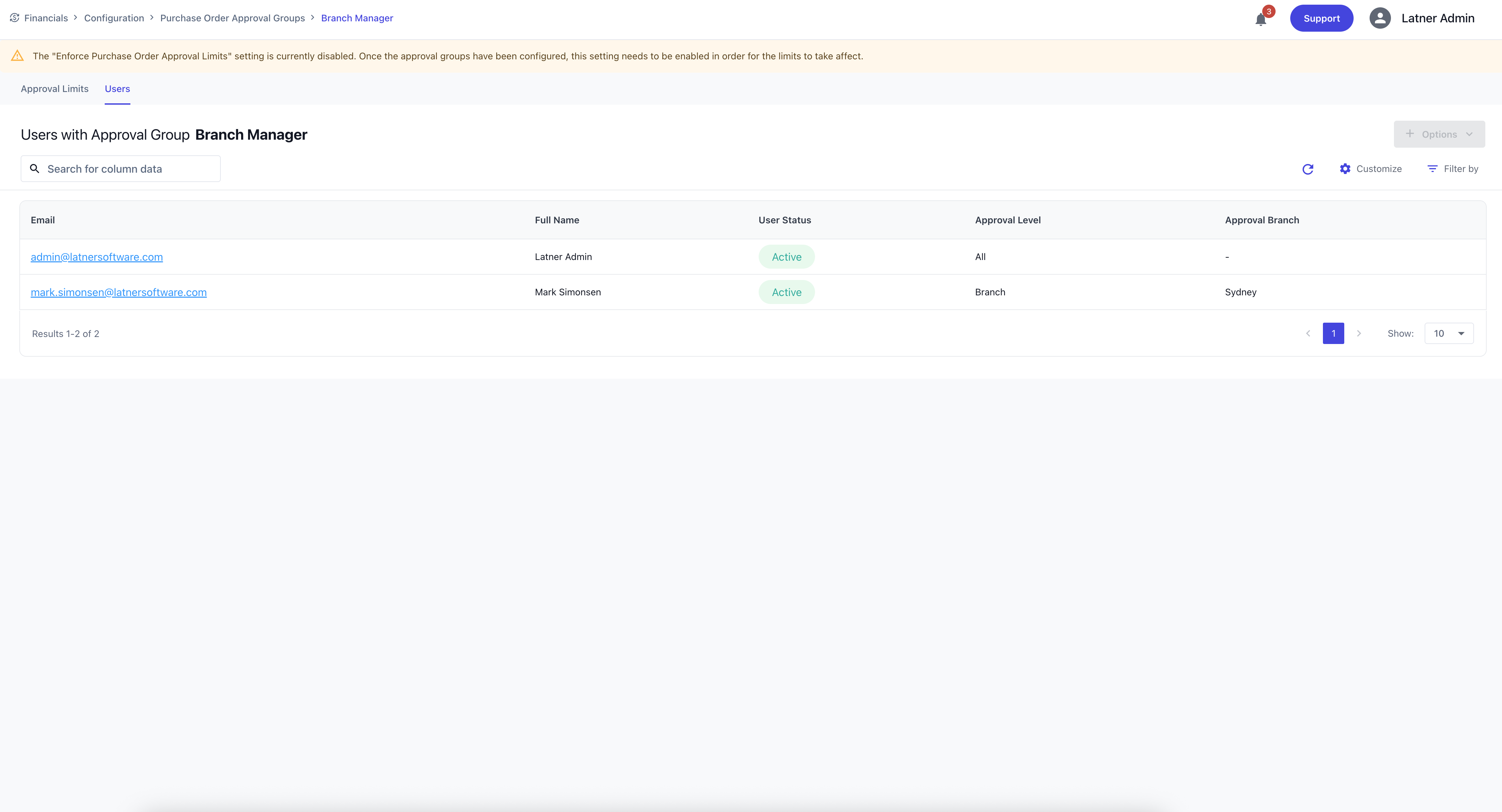
Companies represent the top‑level financial entities within the system and are primarily used for accounting integration and financial reporting. They define the organisational structure and financial identity of your business.
When creating a Company, you specify:
Company Name: the legal or operational name of the company.
Description: additional context or internal notes.
Address: the company’s physical or mailing address.
Phone Number: the company’s primary contact number.
ABN: the Australian Business Number for compliance.
Bank Details: the banking information used for financial transactions.
Companies form the foundation for divisions, branches, and financial configuration.
Divisions
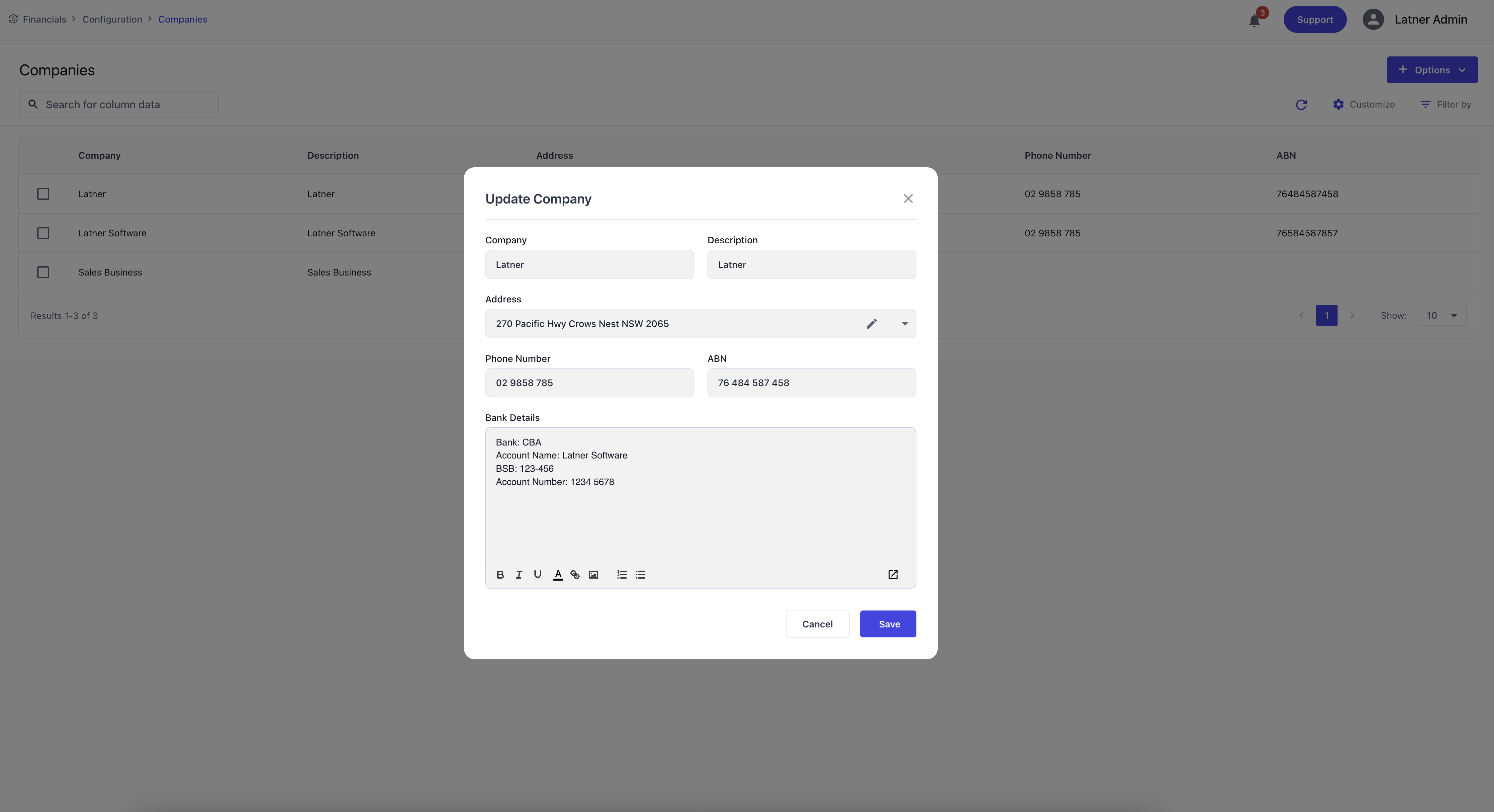
Divisions sit under Companies and are used to segment the organisation for CRM and operational purposes. They help structure customer management and internal reporting.
When creating a Division, you specify:
Company: the parent company the division belongs to.
Division Name: the identifier for the division.
Description: additional context or purpose.
Branches
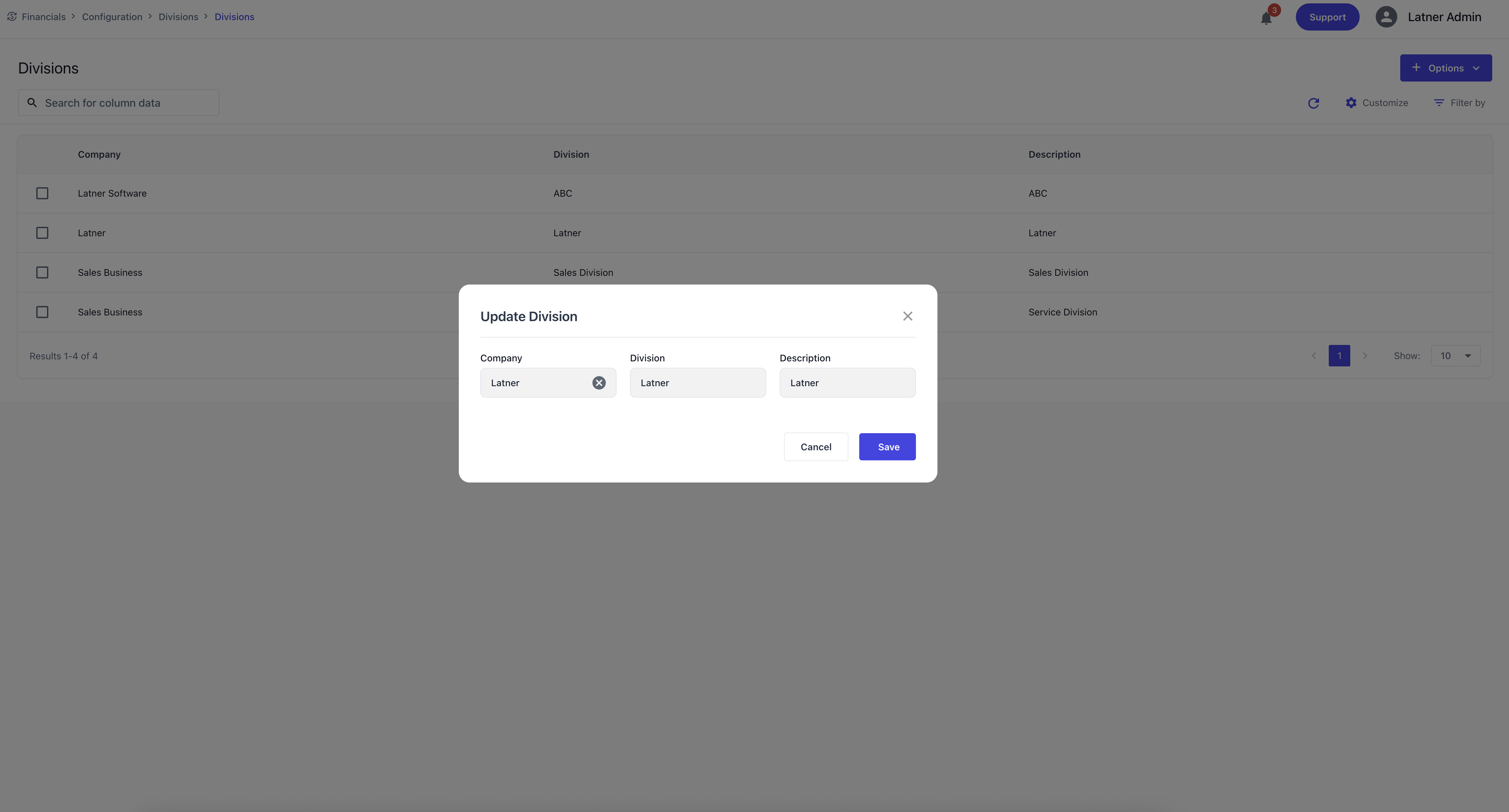
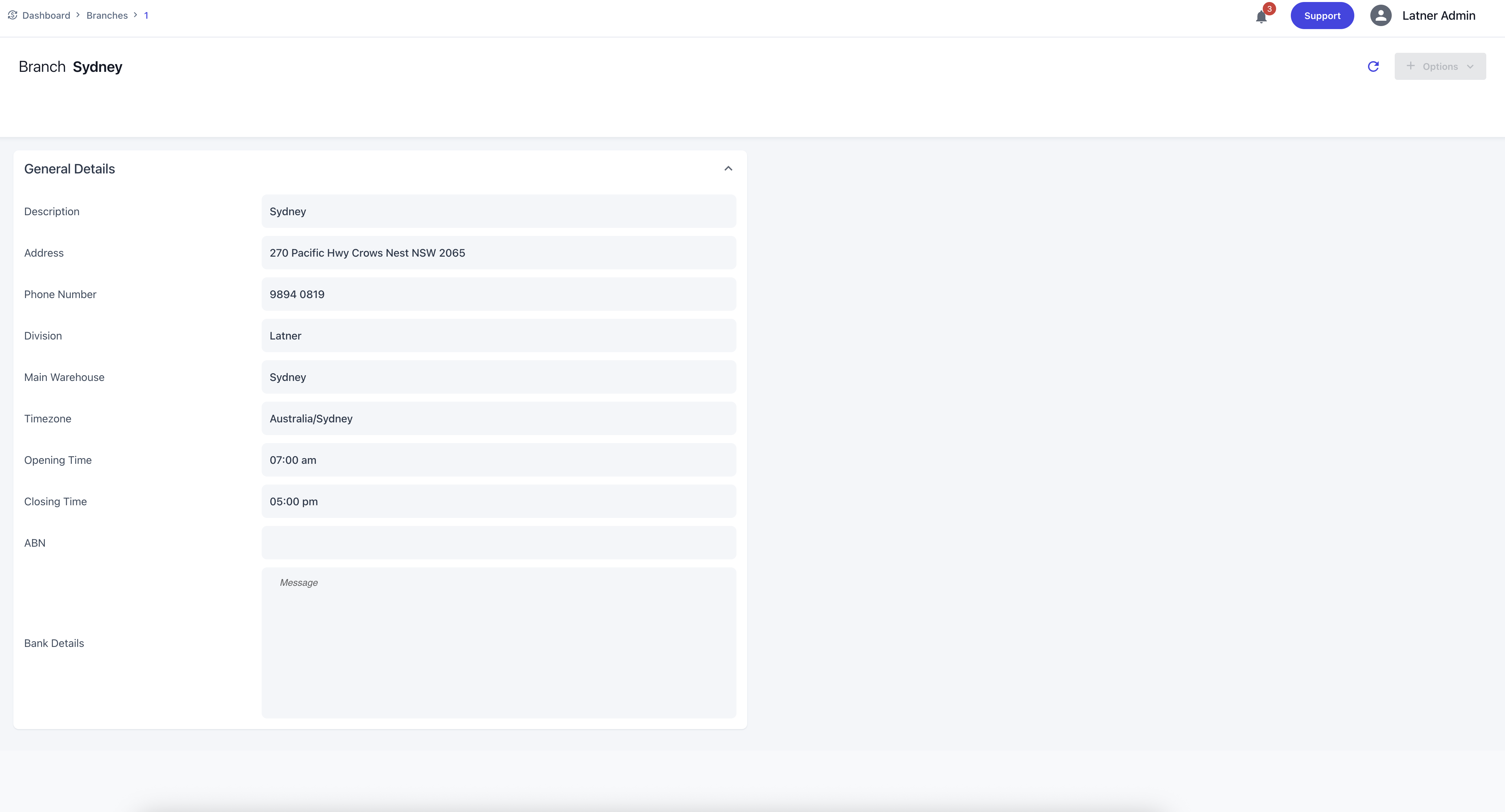
Branches sit under Divisions and represent operational locations used throughout service, rental, and logistics workflows. They define where work is performed and where resources are managed.
When creating a Branch, you specify:
Division: the parent division.
Branch Name: the identifier for the branch.
Timezone: the timezone the branch operates in.
Description: additional context or purpose.
Phone Number: the branch’s contact number.
Address: the physical location of the branch.
Once created, branches allow configuration of:
Opening and Closing Times
ABN and Bank Details (if different from the company)
Warehouse
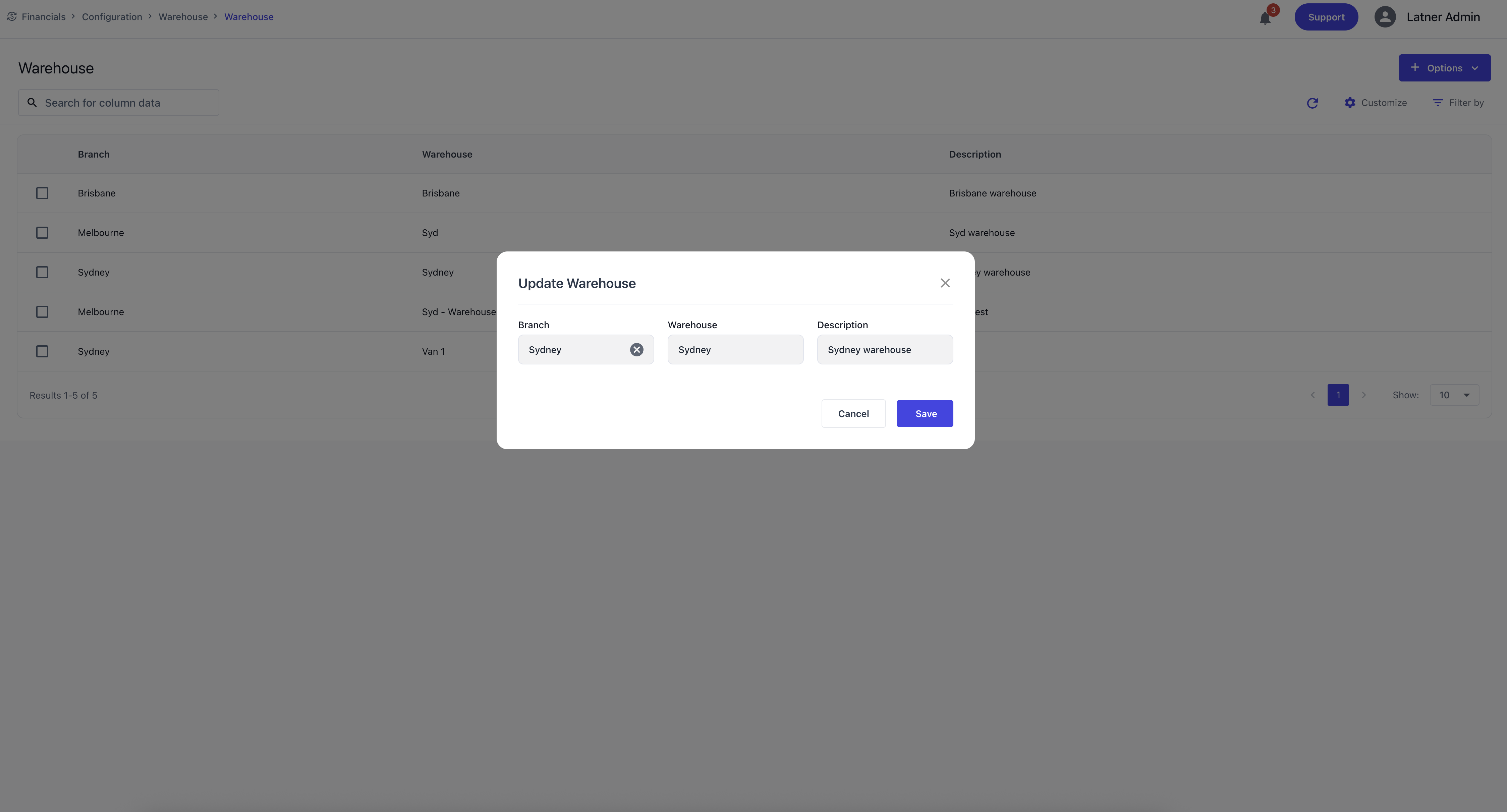
Warehouses sit under Branches and represent stock‑holding locations used for inventory management. They ensure stock items are organised and traceable across the business.
When creating a Warehouse, you specify:
Branch: the parent branch.
Warehouse Name: the identifier for the warehouse.
Description: additional context or purpose.
Sales Tax
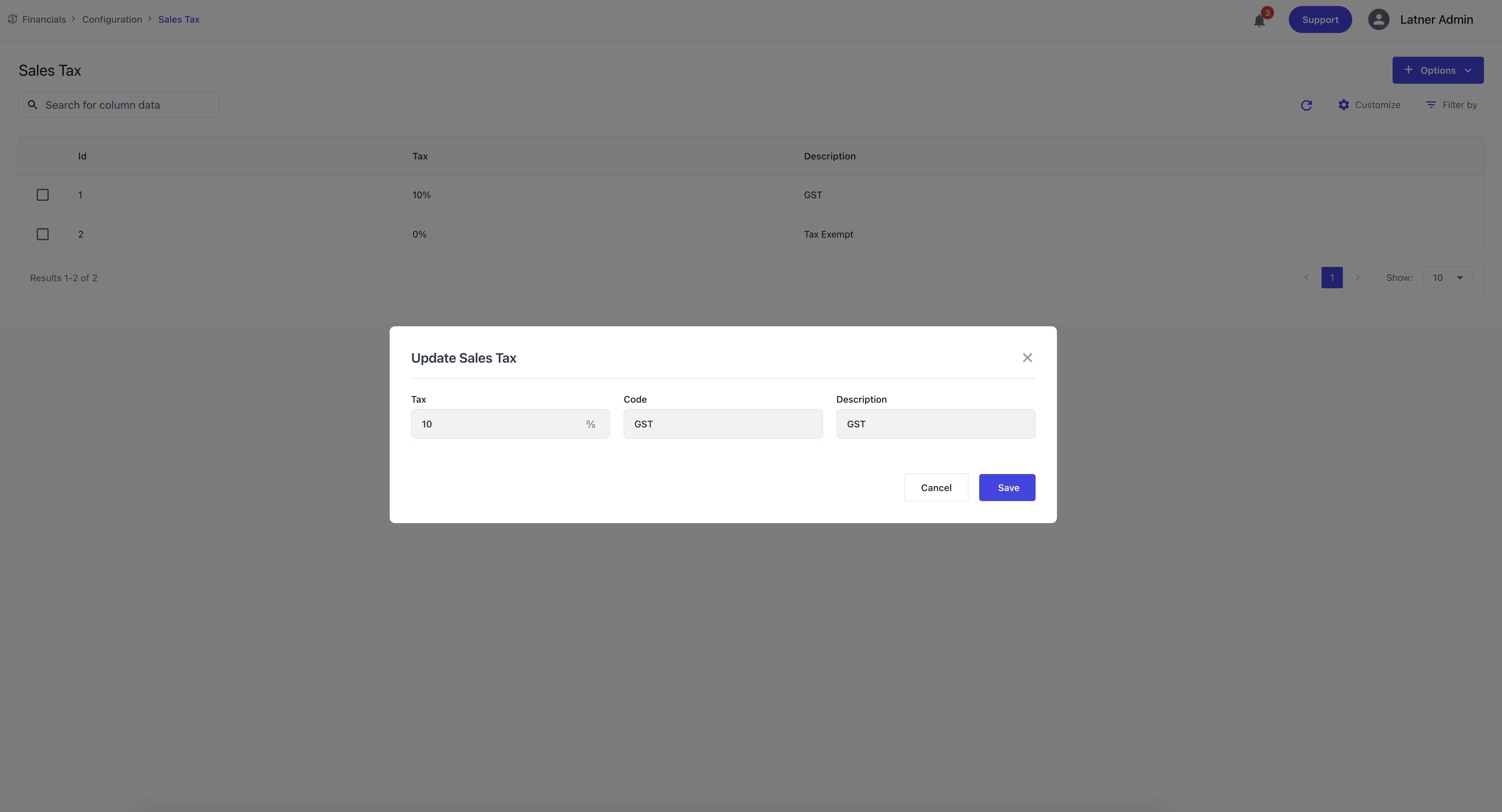
Sales Tax entries define the tax rates applied to sales transactions. They ensure that invoices are calculated correctly and comply with tax requirements.
When creating a Sales Tax entry, you specify:
Tax Percentage: the rate applied (e.g., 10%).
Code: the tax code (e.g., GST, TAXEXEMPT).
Description: the purpose or context of the tax.
Purchase Tax
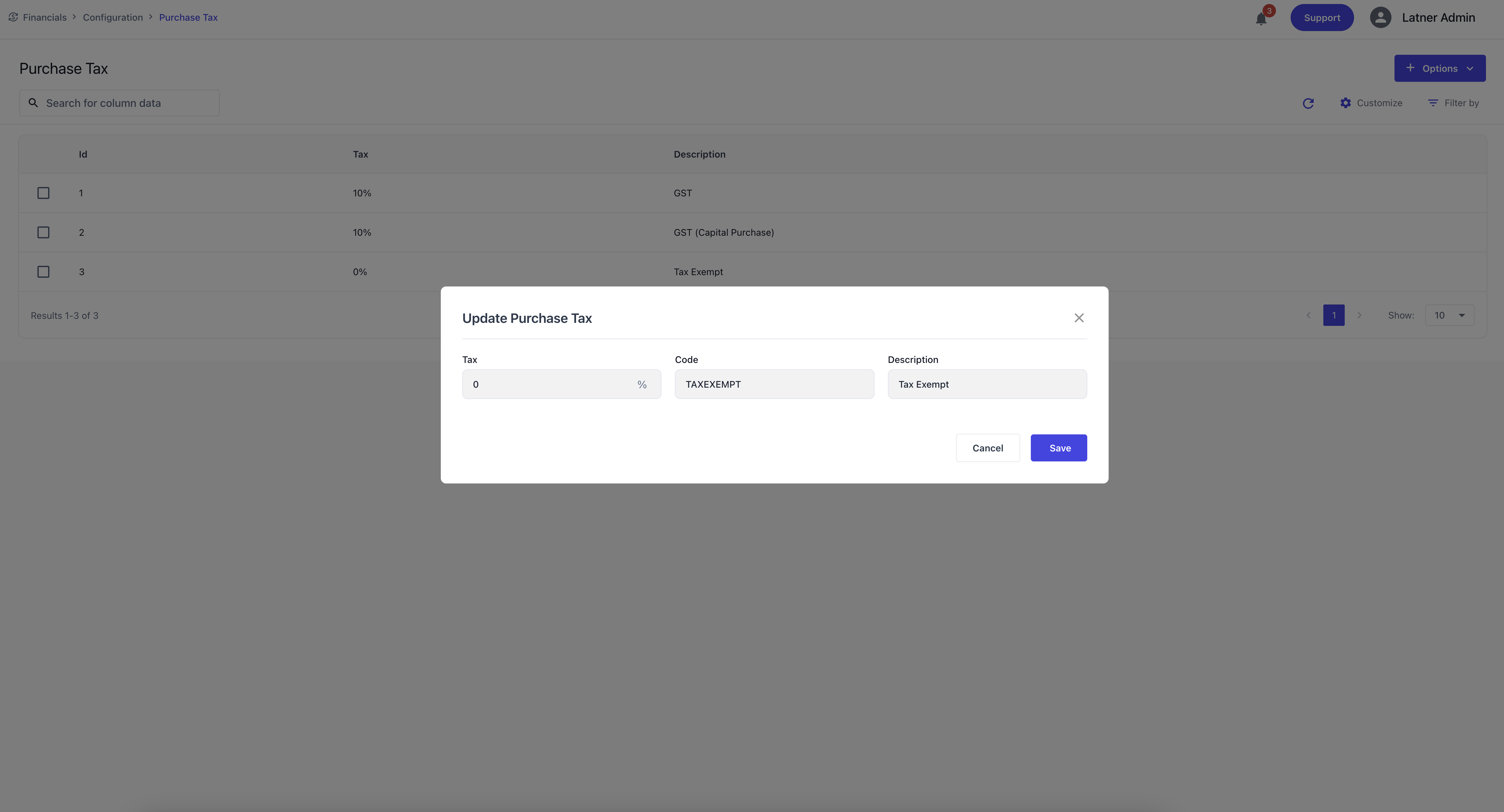
Purchase Tax entries define the tax rates applied to supplier invoices. They ensure that purchasing transactions are recorded accurately and comply with tax rules.
When creating a Purchase Tax entry, you specify:
Tax Percentage: the rate applied (e.g., 10%).
Code: the tax code (e.g., GST, TAXEXEMPT).
Description: the purpose or context of the tax.
Asset Groups
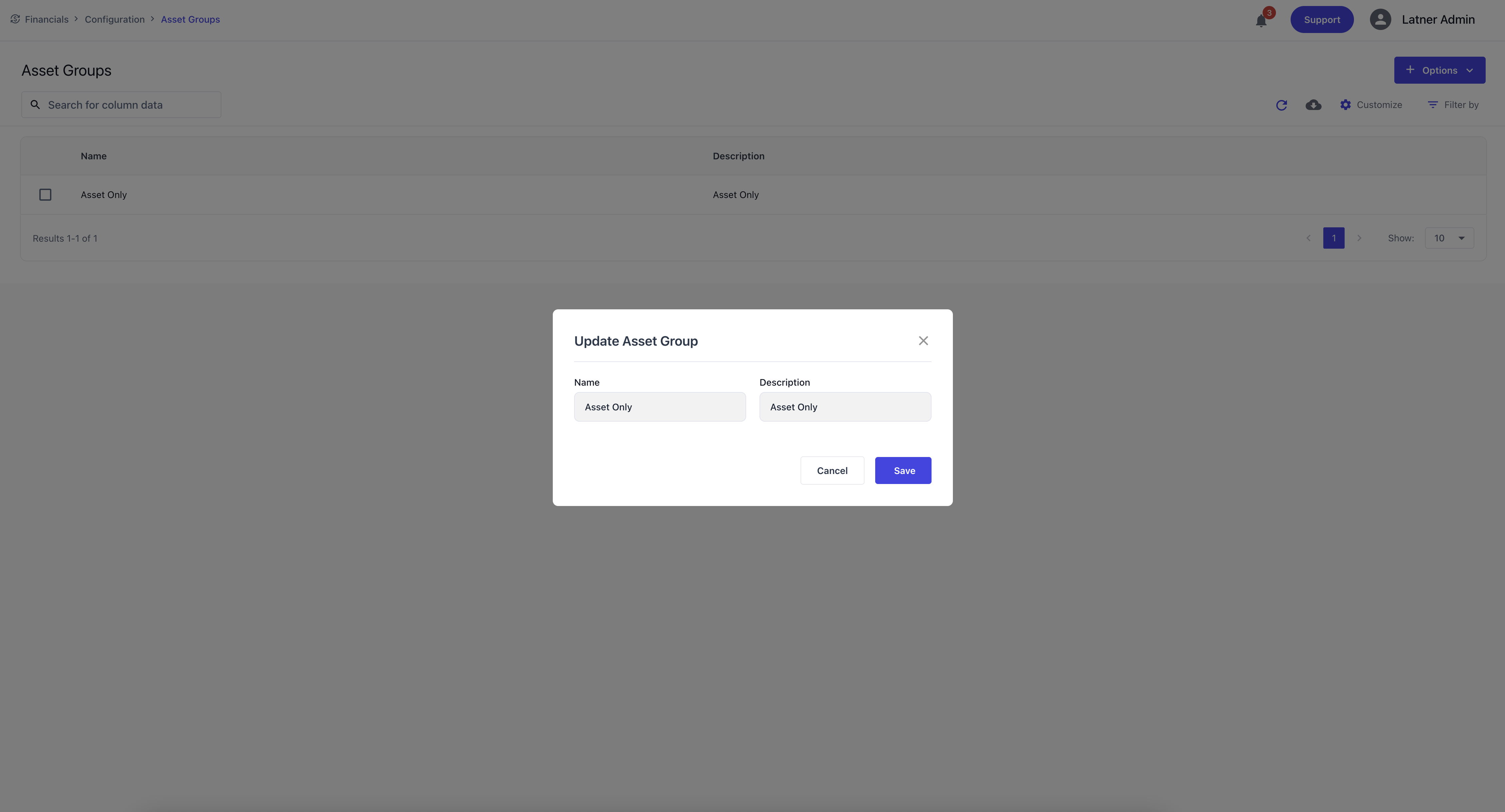
Asset Groups are used to categorise assets for depreciation and reporting. They ensure that assets are grouped logically for financial and operational analysis. When creating an Asset Group, you specify the name and description.
Depreciation Types
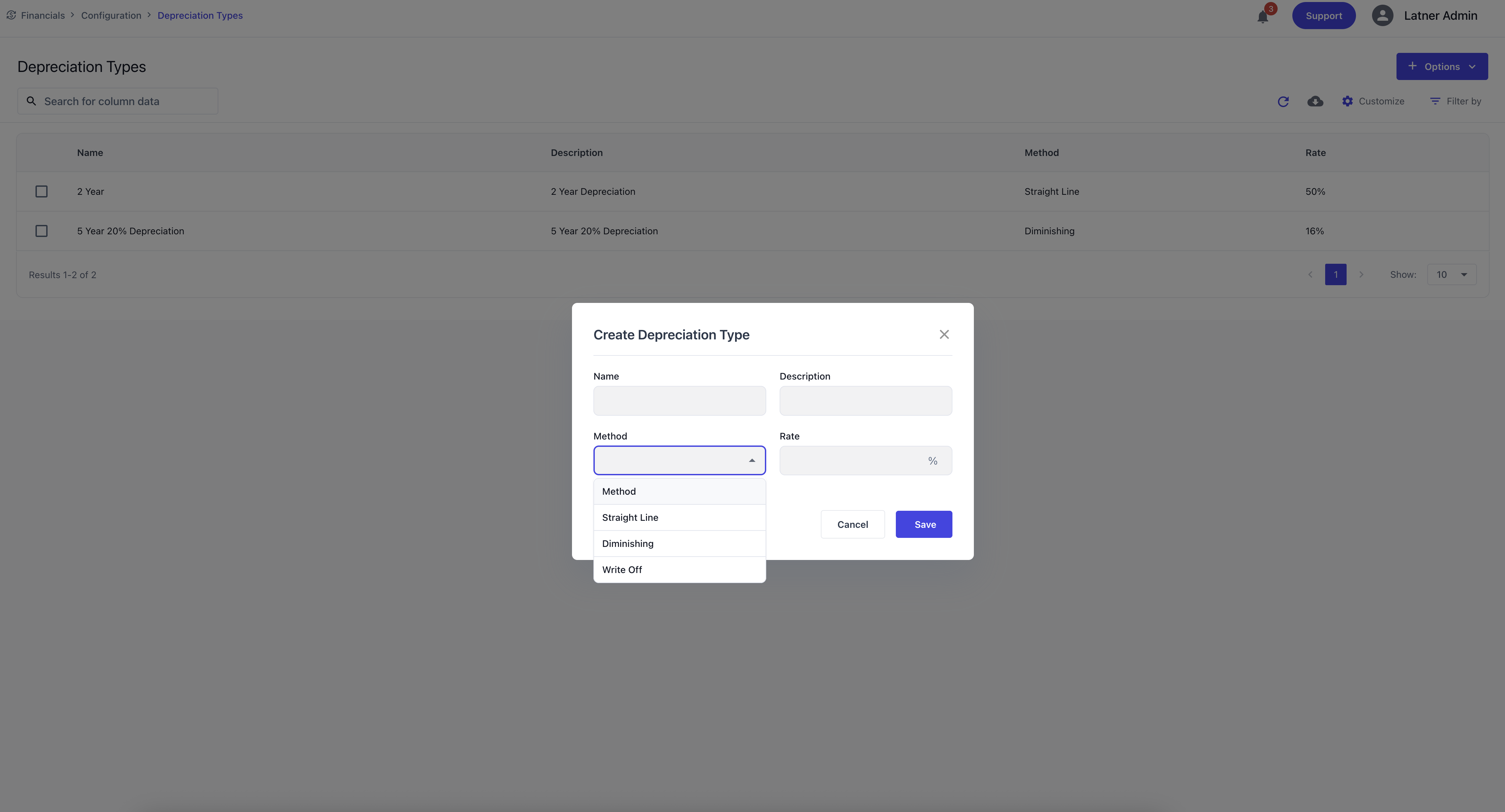
Depreciation Types define how assets depreciate over time. They ensure that depreciation is calculated consistently and in accordance with financial policy.
When creating a Depreciation Type, you specify:
Name: the identifier for the depreciation method.
Description: the purpose or context.
Method: the depreciation approach (straight line, diminishing, write‑off).
Rate Percentage: the rate applied to the asset value.
Accounting Integration
An Integration Screen that …
Payment Gateway Integration
An Integration Screen that …
Rouse Integration
An Integration Screen that …
Purchase Order Approval Groups
Purchase Order Approval Groups are used to control who can authorise purchase orders and up to what value. These groups ensure purchasing is governed by clear financial controls.
Approval groups are enforced when the global setting Enforce Purchase Order Approval Limits is enabled.

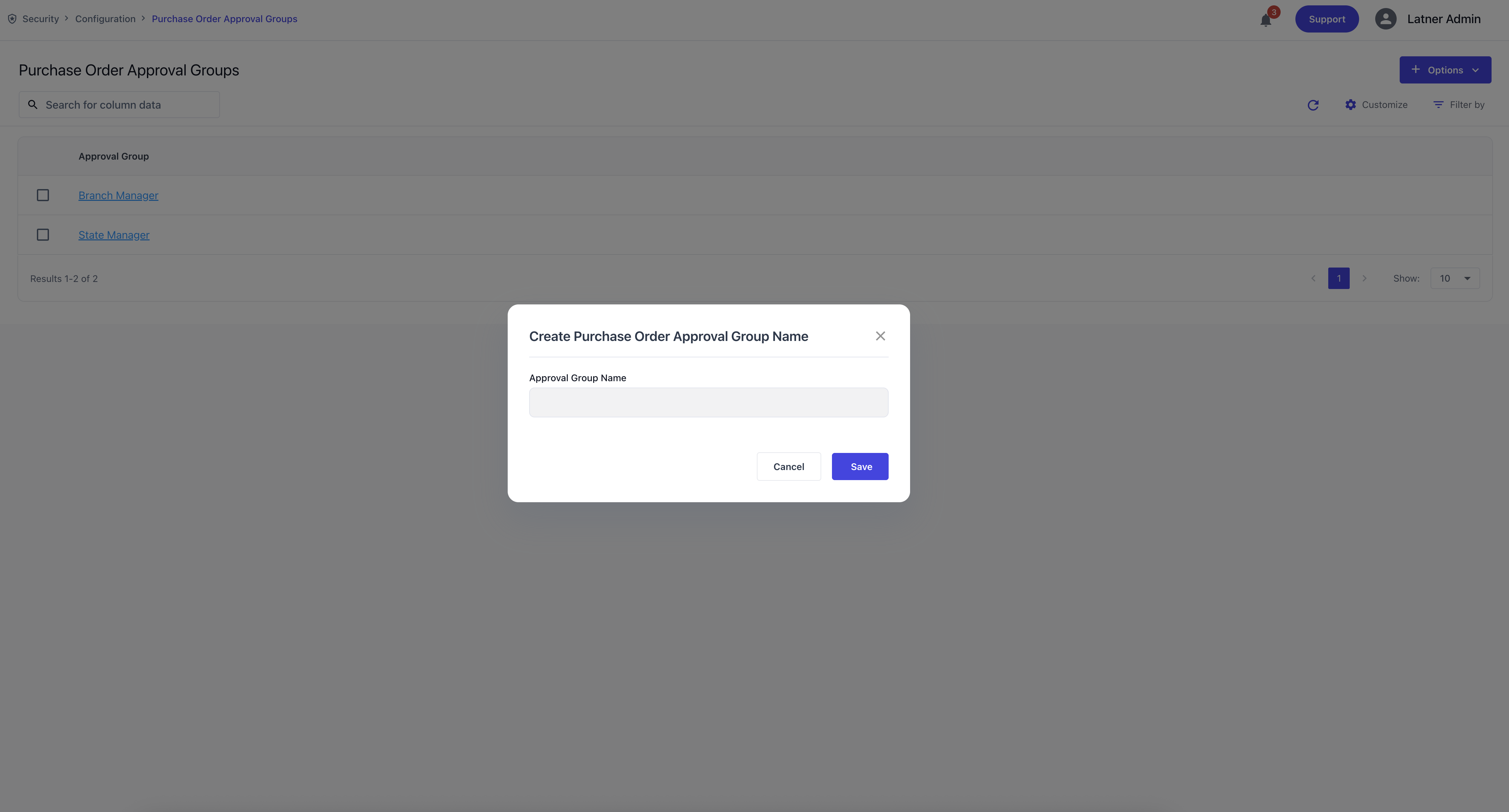
When creating a Purchase Order Approval Group, you specify:
Approval Group Name: the identifier for the group.
Description (if applicable): the purpose or context.
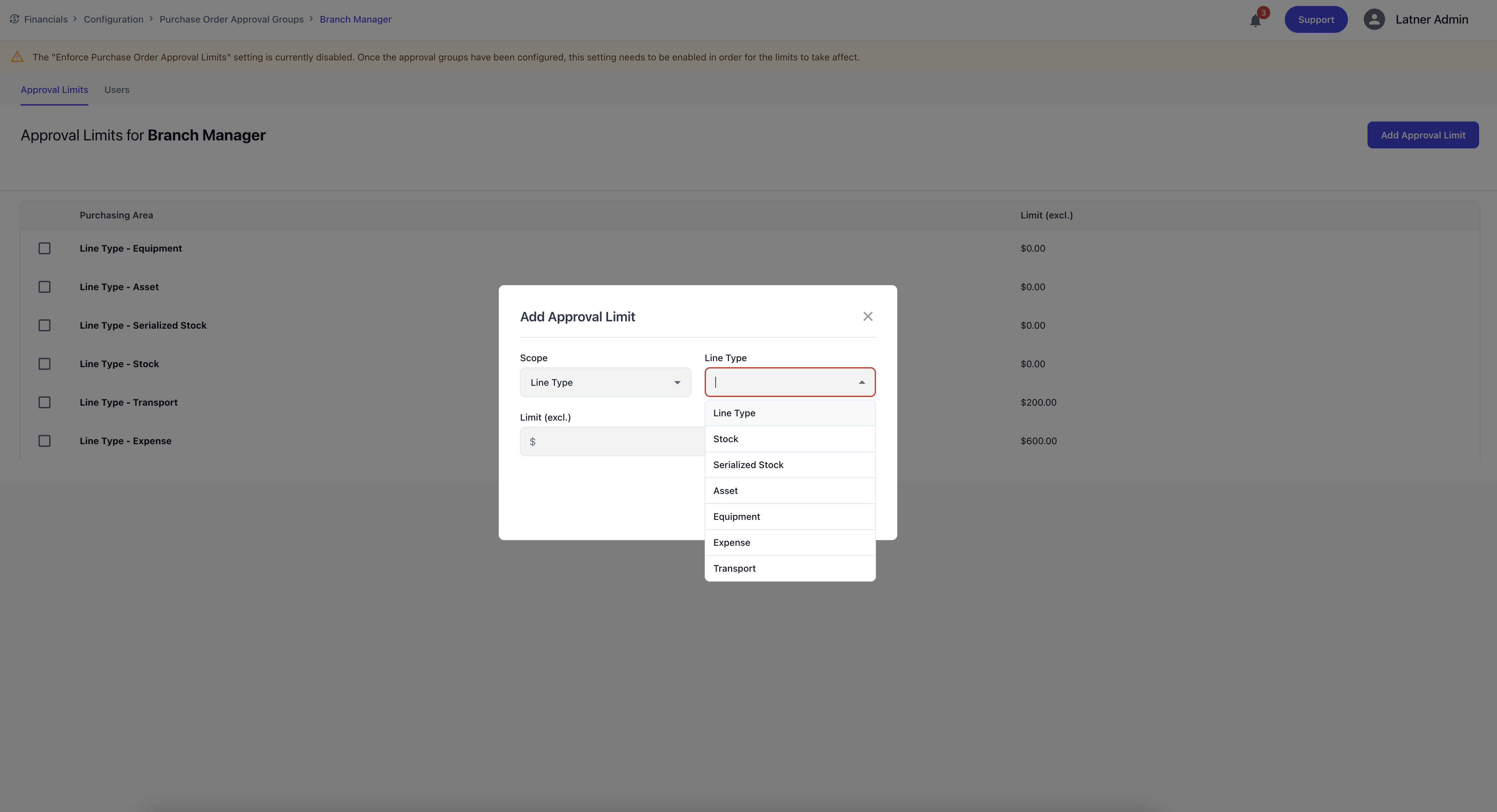
Once created, you can add one or more approval limits. Each approval limit defines:
Scope: either a configurable expense or an system-set line type.
Line/Expense Type: the type of item being purchased.
Approval Limit (excl. GST): the maximum amount the user can approve for that line type.
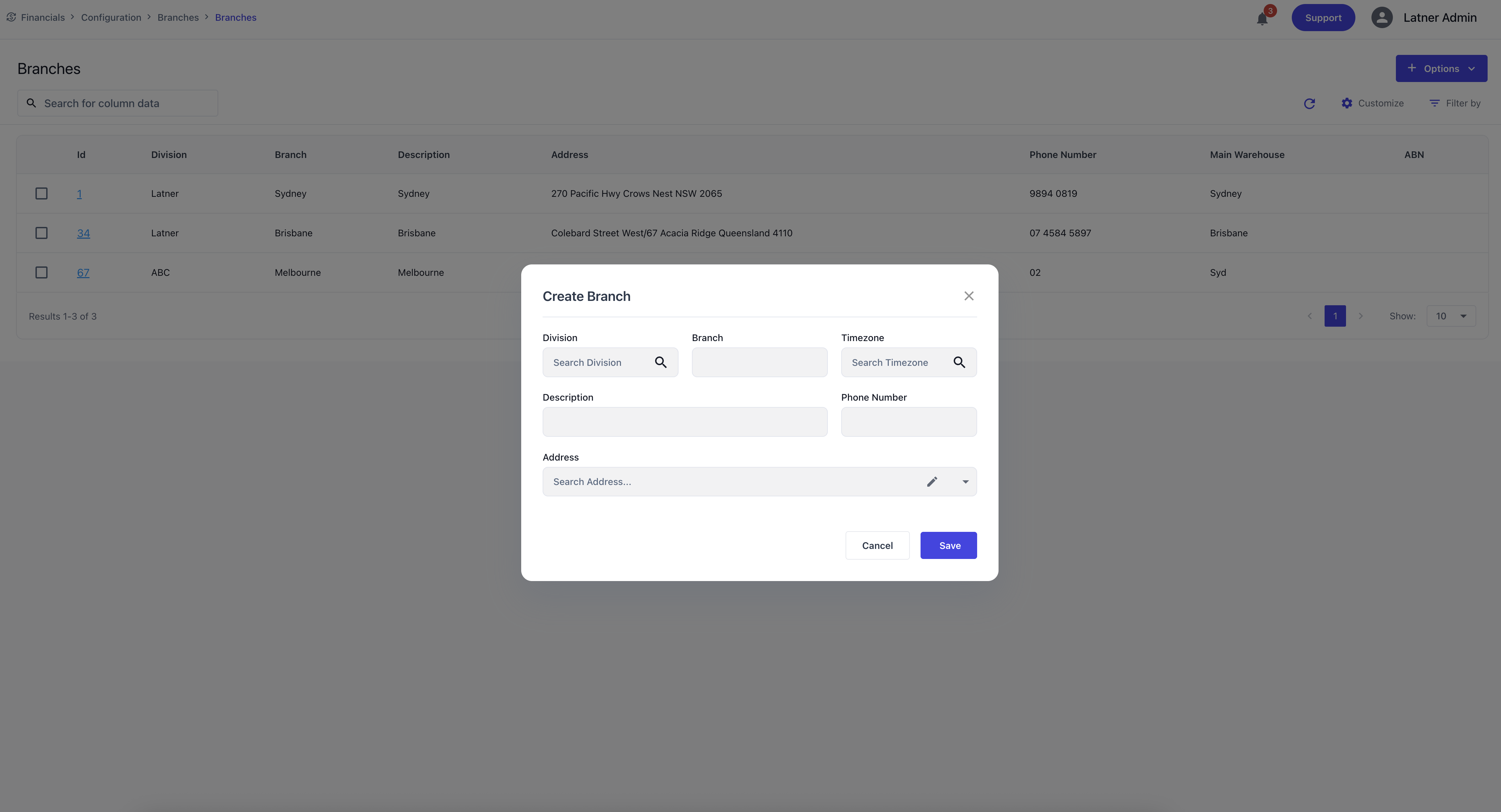
Approval groups are later assigned to Users through their user settings, determining the credit limits they are authorised to approve. See this section on Users on how to assign Approval Groups. You could also see the Users that are currently assigned on this group on the top tab.