
Rental
Admin Charges
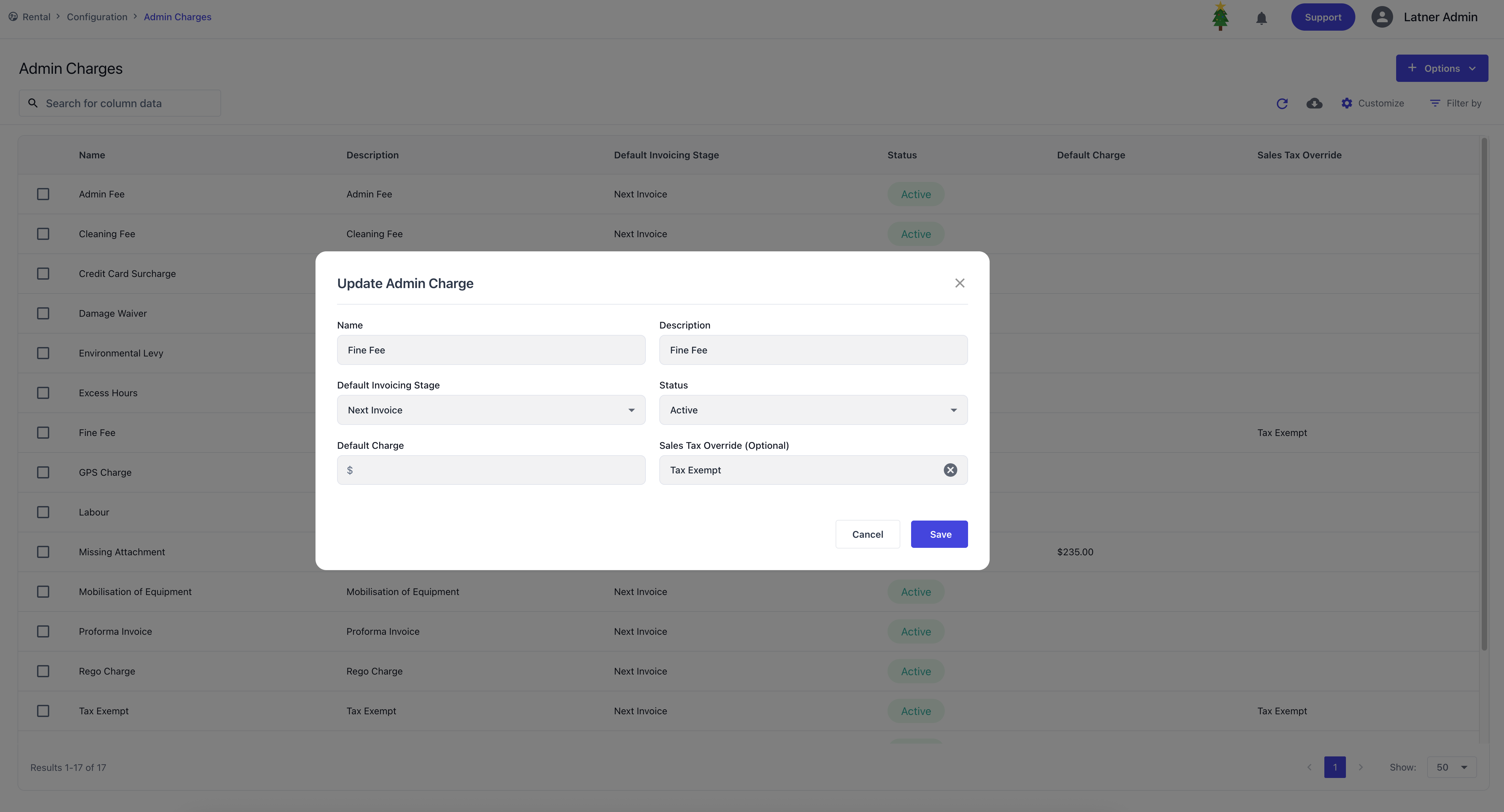
Admin Charges are used to configure one‑off fees that can be applied to charge-ons. When setting up a charge, you define:
Default invoice stage: whether the charge is applied on return or on the next invoice.
Status: active or inactive.
Default charge amount: the standard fee to apply.
Sales tax override: whether the charge is subject to GST or exempt (default is GST).
Cancel Reasons
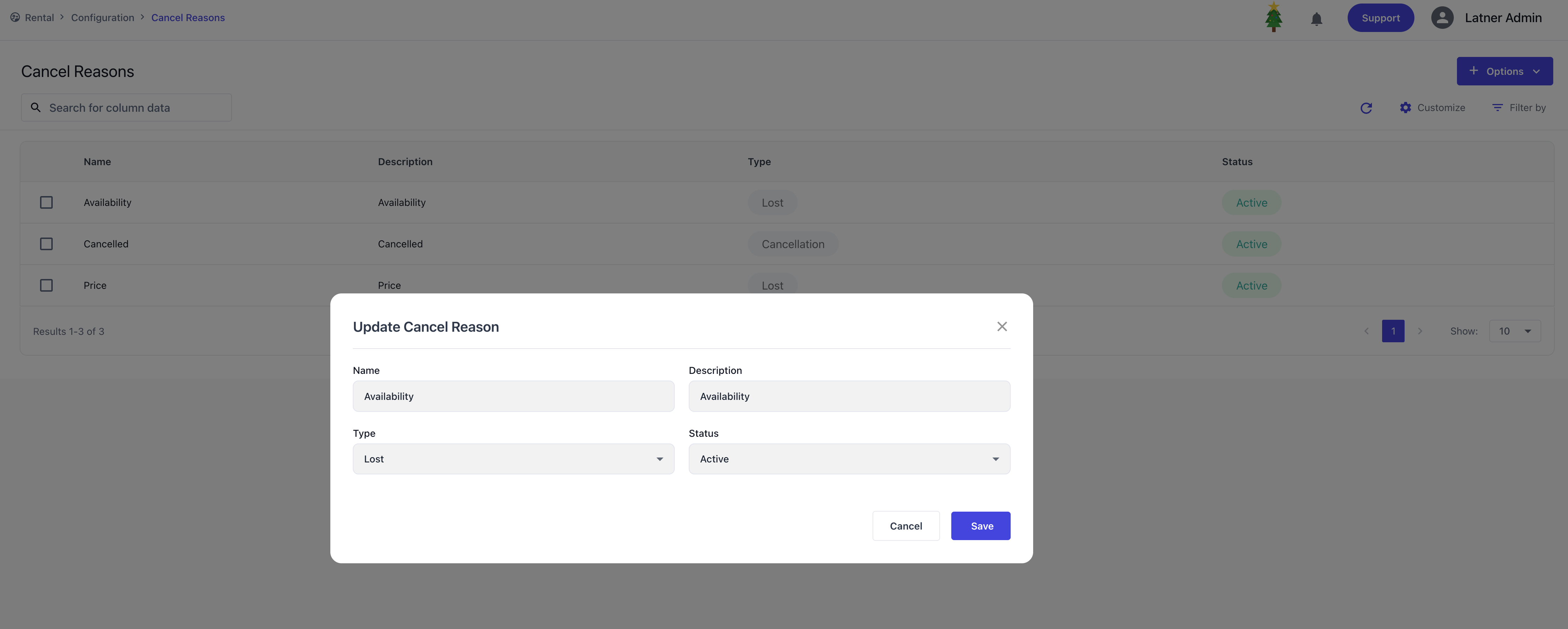
Cancel Reasons define why a quote or contract was cancelled. Each reason includes:
Category: whether the cancellation is classified as “Cancelled” or “Lost.”
Status: active or inactive.
Labour Services
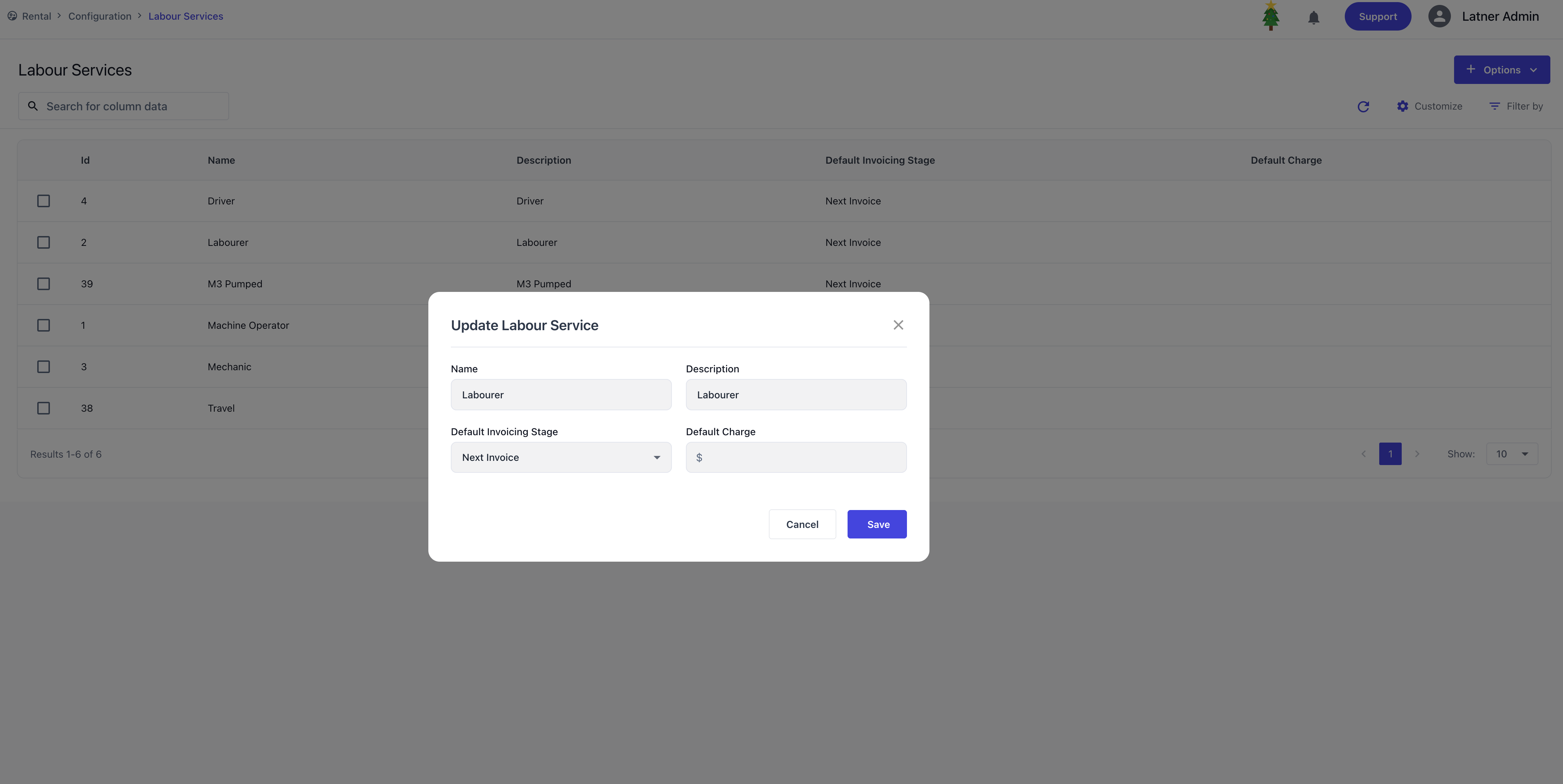
Labour Services are used to configure service charges for labour provided. Each service requires:
Default invoice stage: whether the service is billed on return or on the next invoice.
Default charge amount: the standard labour fee to apply.
Additional Items
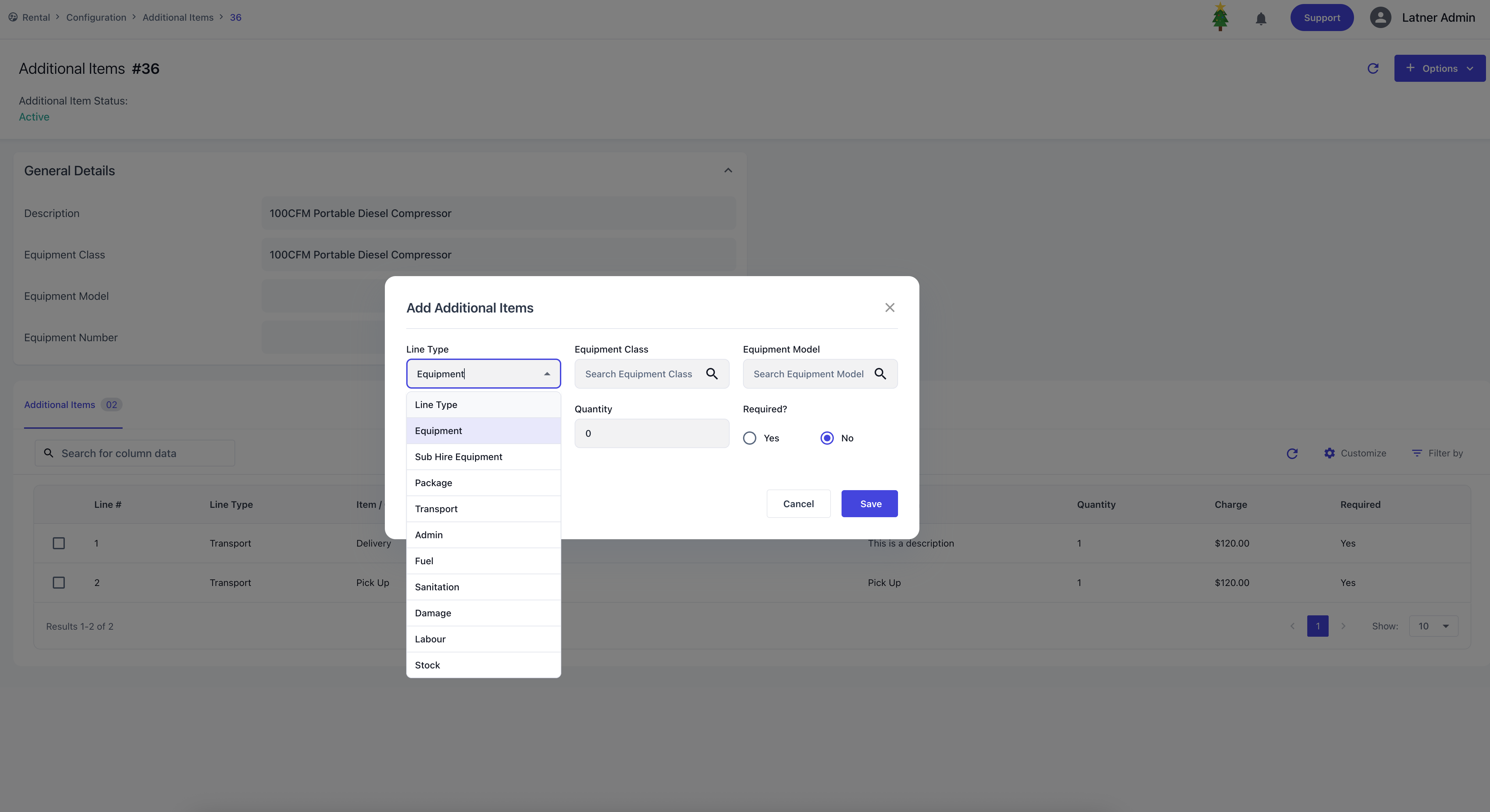
Additional Items are used to assign linked extra items/charges against a specific class, model, or equipment number when choosing this on a rental contract. When creating an entry, you specify:
Class, model, or equipment number: where the items will be associated with.
Description: the purpose of the additional items.
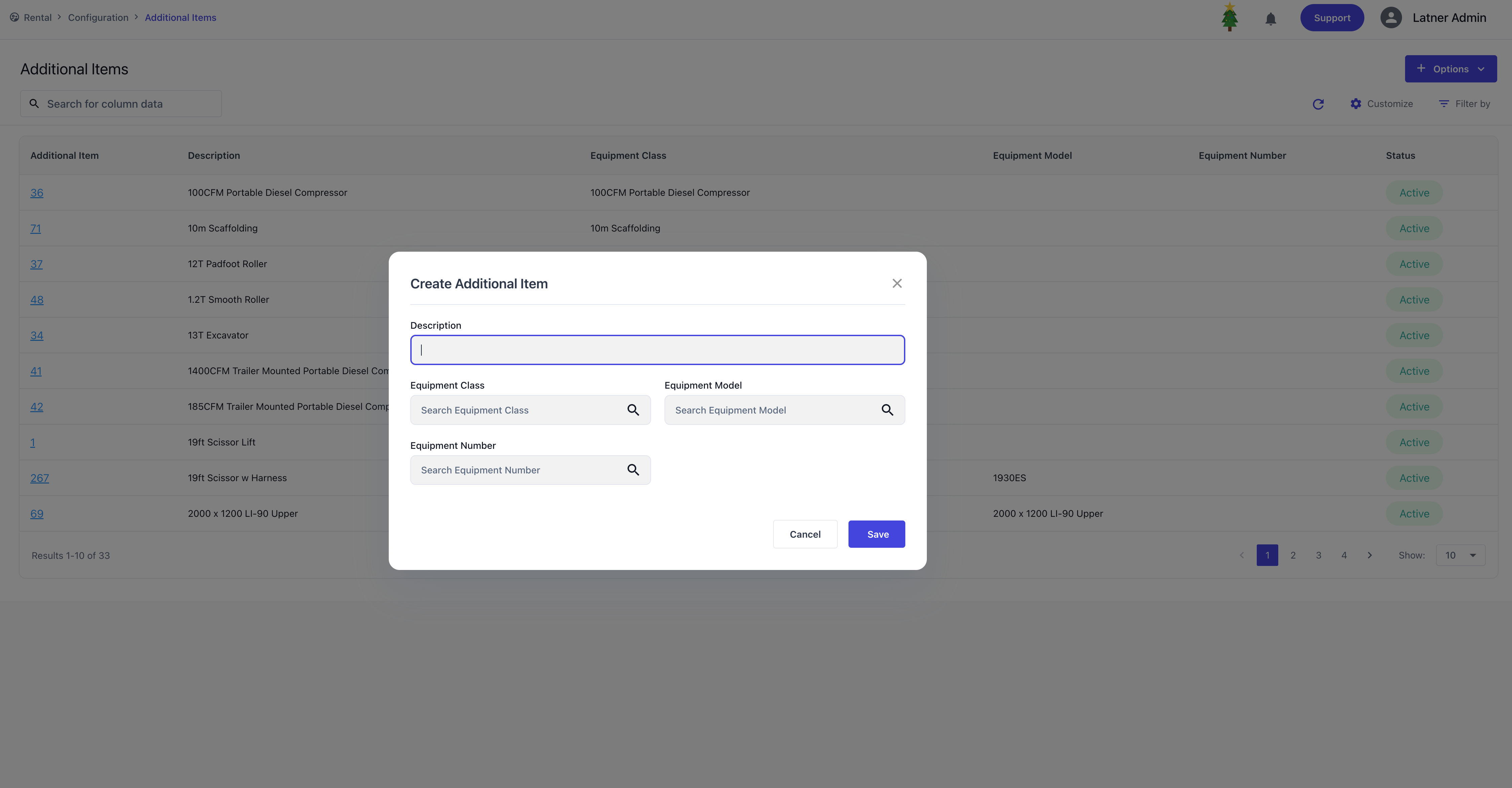
Once the entry is created, the system opens a detailed screen where you can add items to the category.
For each item, you configure:
Line Type: type of item to be added, can be Equipment (Class / Model), Sub Hire Equipment (Class / Model), Package, Transport, Admin, Fuel, Sanitation, Damage, Labour or Stock
Quantity: how many units of the item will be added.
Charge: the applicable fee per unit.
Required?: if marked as required, the item will automatically be included whenever the associated class, model, or equipment number is added to a contract.
Packages
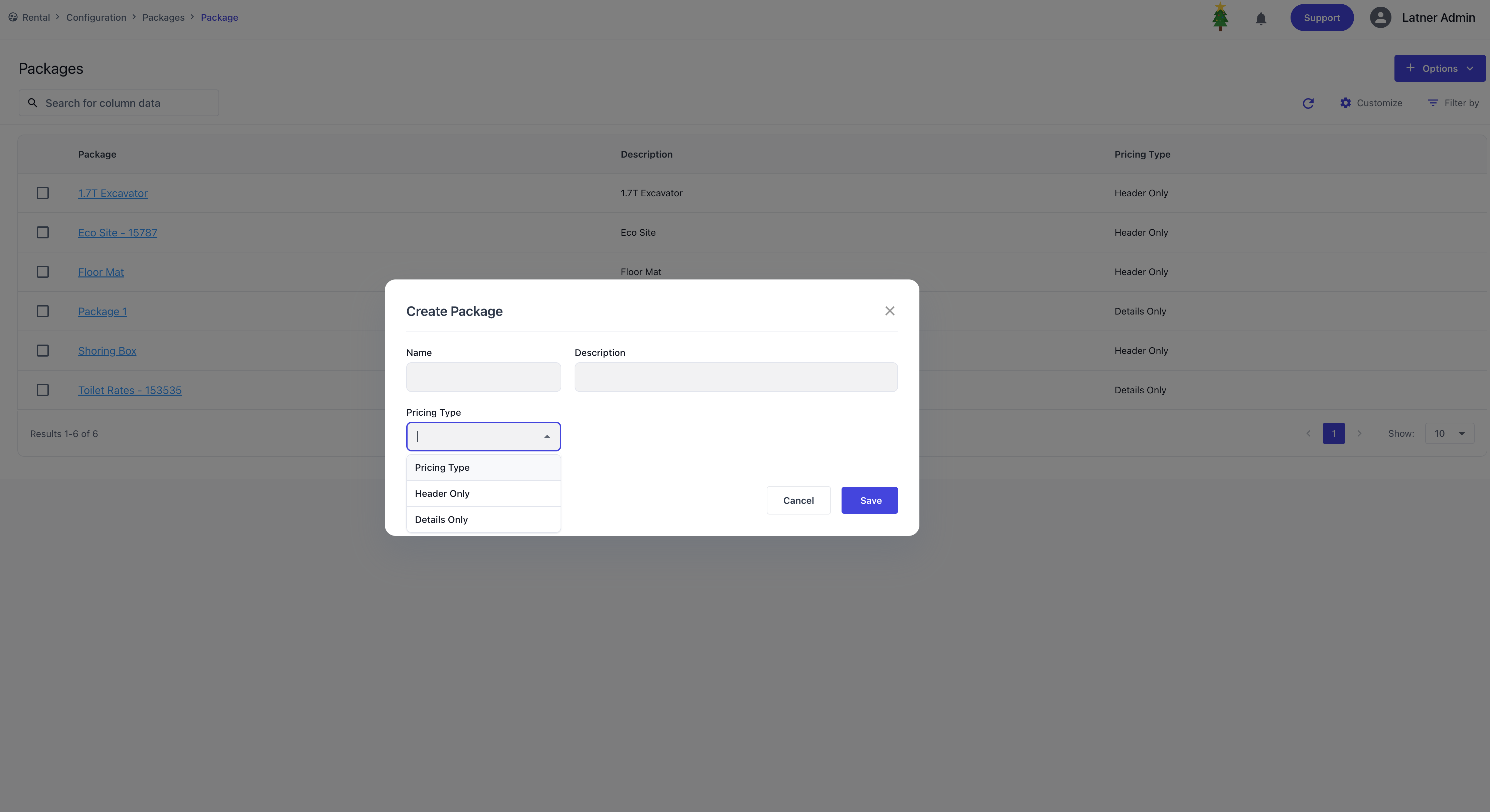
Packages are used to group multiple equipment items into a single kit that can be priced and managed together. When creating a package, you define:
Name of the kit: the identifier for the package.
Pricing type:
Header Only – a single‑level pricing method where you set the header price. Each detail line can then have a revenue proportion allocated against the header.
Detail Only – a multi‑level pricing method where each detail line has its own price defined individually.
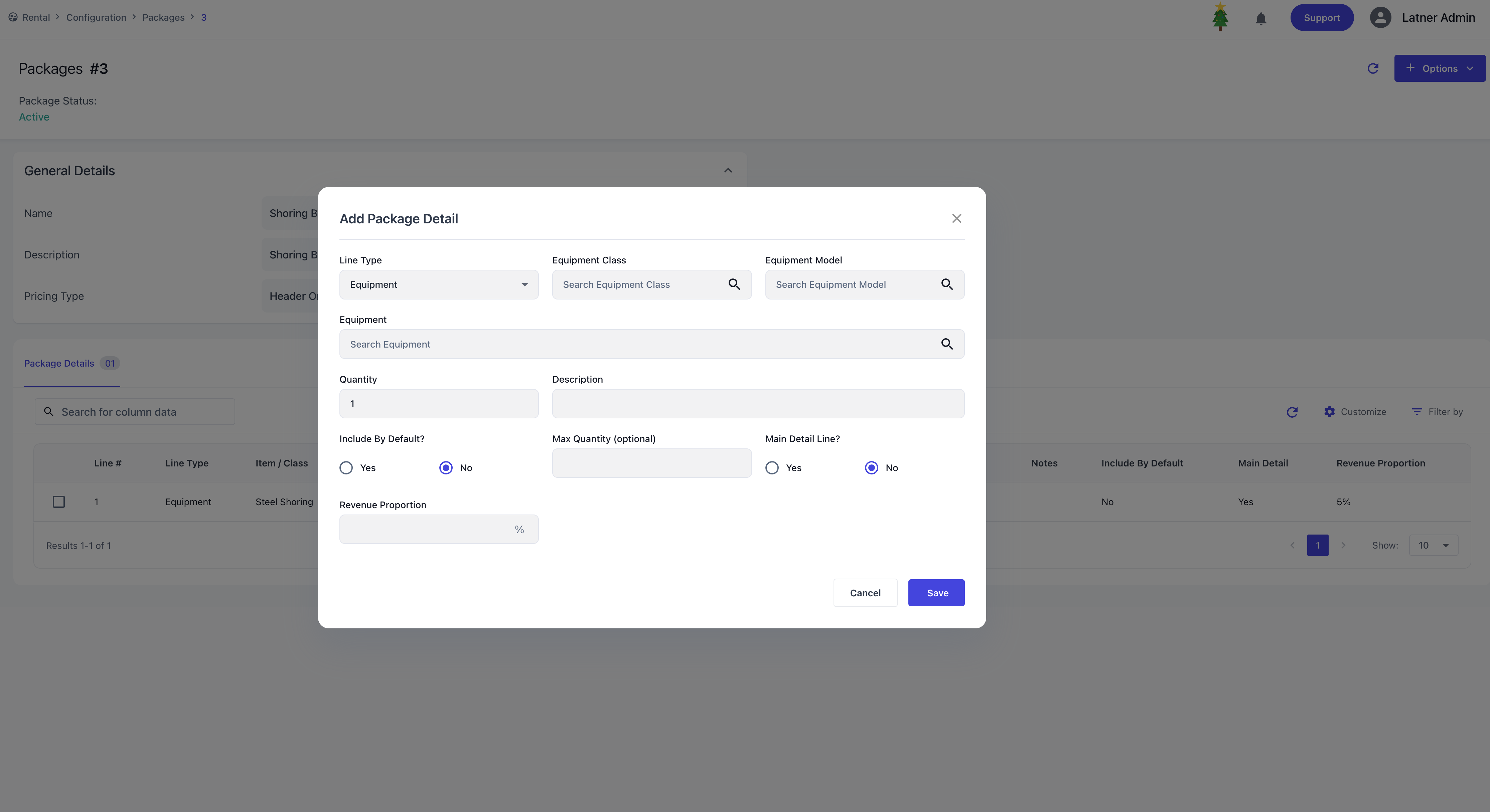
After the package is created, the system opens a detailed screen where you can add line types to the kit. For each detail line, you can specify:
Line Type: the type of detail line being included.
Quantity: the number of units.
Include by default?: determines if the item is automatically added when the package is used.
Max quantity (optional): sets a cap on how many units can be added, helping prevent undercharging.
Main detail line flag: identifies which line represents the package header on the contract (reserved, on rent, off hire). If not set, all lines are treated as main detail.
Revenue proportion or rates:
For Header Only pricing, you assign revenue proportions to each detail line.
For Detail Only pricing, you define rates directly for each line.
Rental Rates
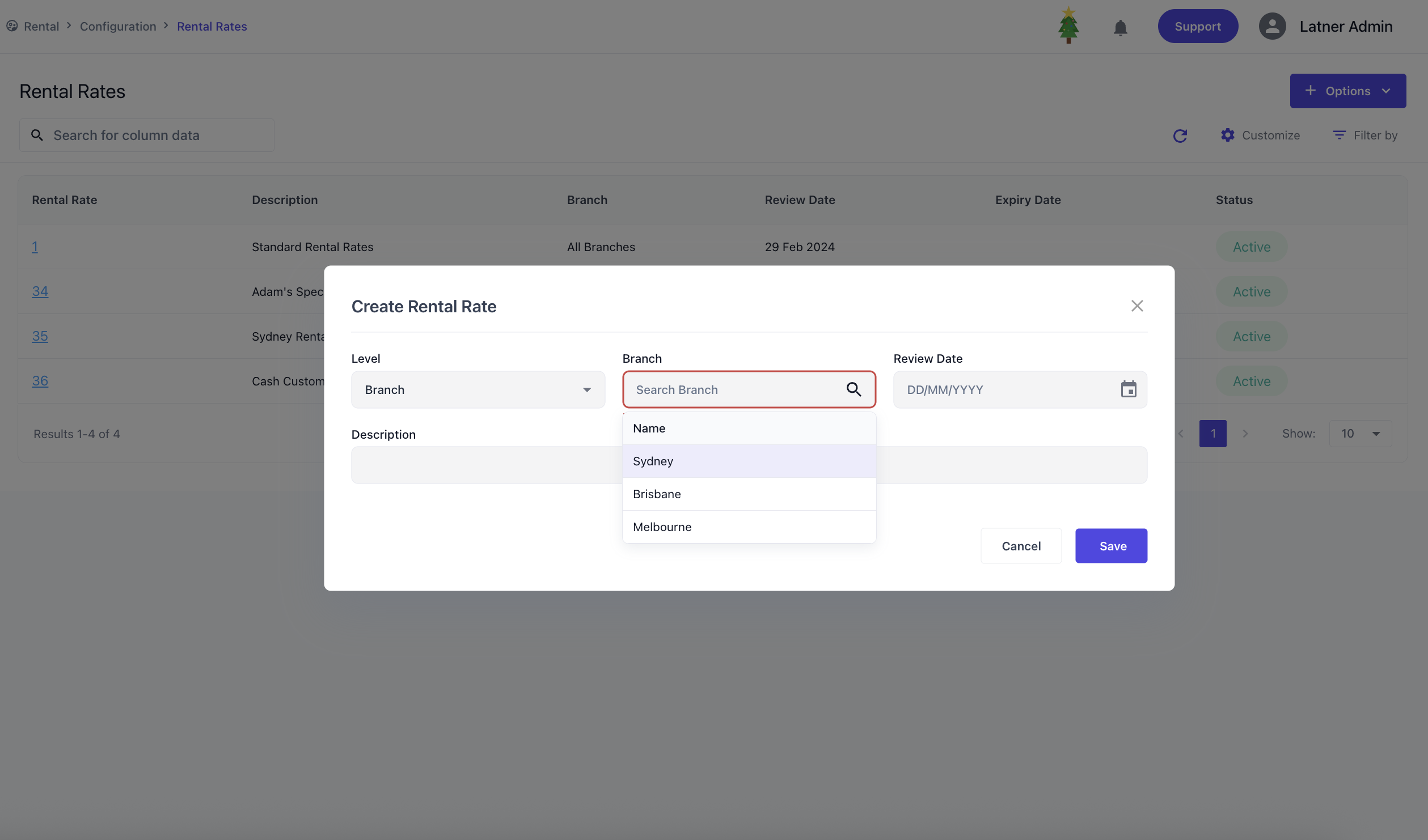
Rental Rates are used to create and manage customer rate cards that define how charges are applied across equipment and services. These rates are able to be assigned through Customer or Customer Sites. When creating a rental rate, you specify:
Level: whether the card applies to all branches or a specific branch.
Branch (if applicable): the branch the rate card belongs to.
Review date: the date the rate card should be reviewed.
Description: an identifier for the rate card.
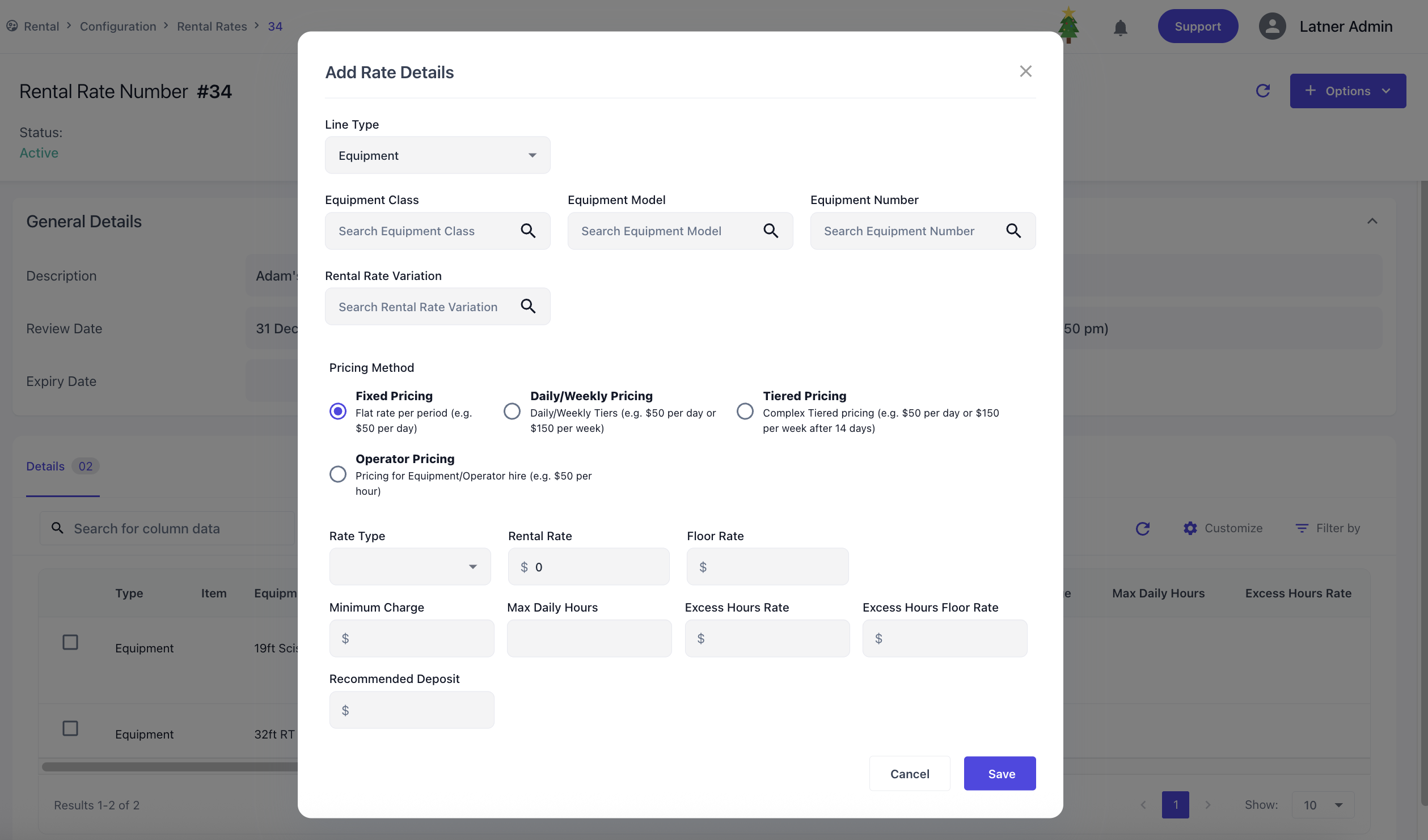
Once the rate card is created, the system opens a detailed screen where you can either copy the rental rates to another card or add rental details to this rental rate. Expiry dates can also be set to disable the rates accordingly through this detailed screen. Each rate detail line, you can specify
Line Type: the category being charged (Equipment, Package, Transport, Admin, Sanitation)
Equipment Class / Model / Number linked: For non‑complex charges (Transport, Admin, Sanitation), you link the charge to an Equipment Class, Model, or Number.
Rates / Charges:
Equipment & Package follow the rate system with optional floor rates to enforce
Transport, Admin & Sanitation lines require a single charge amount.
Sub Hire Rental Rates
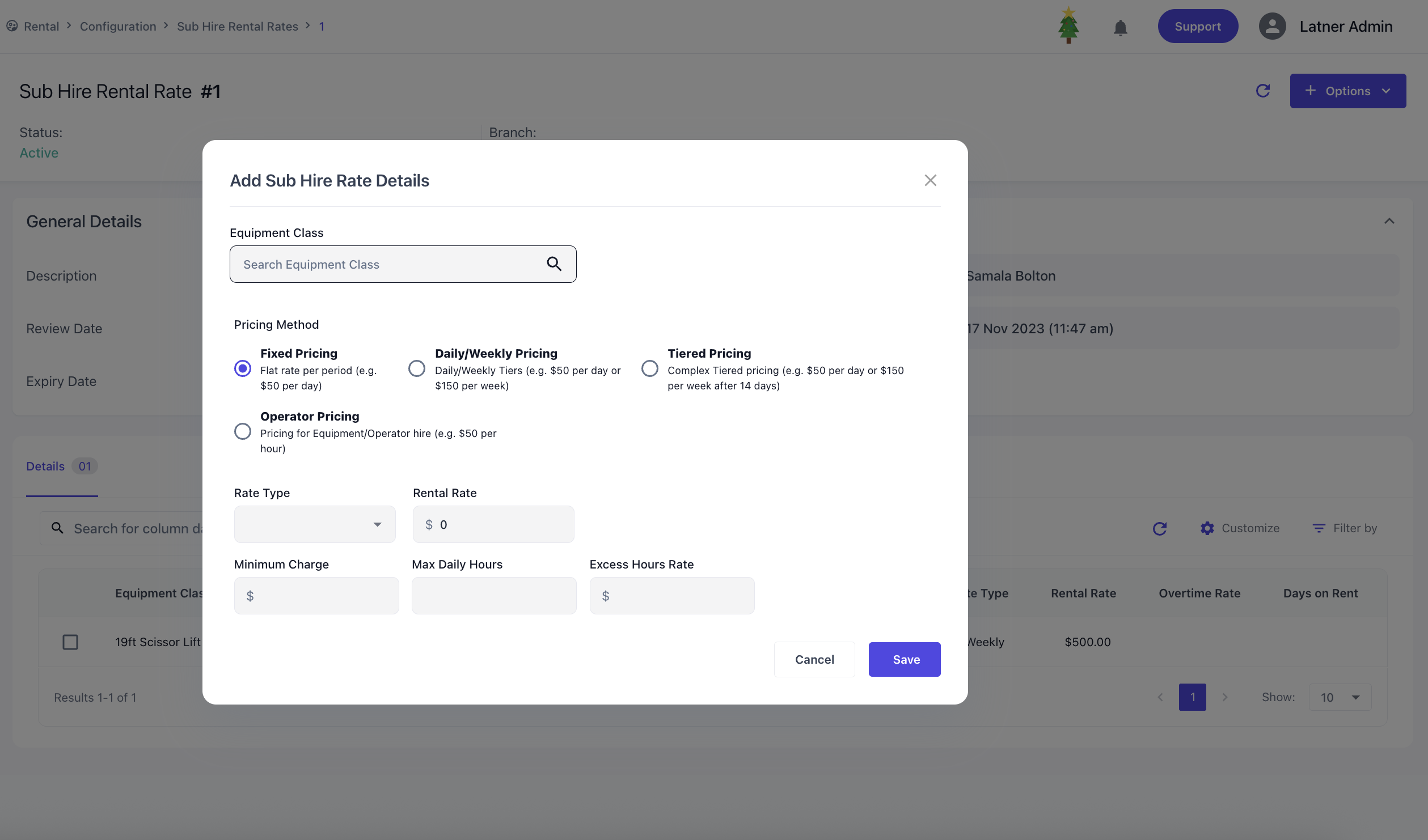
Sub Hire Rental Rates are used to create and manage supplier rate cards specifically for equipment or services sourced from external suppliers. These rate cards define how costs are applied when items are sub‑hired and are assigned through Suppliers. When creating a sub hire rental rate card, you specify:
Level: whether the card applies to all branches or a specific branch.
Branch (if applicable): the branch the rate card belongs to.
Review Date: the date the rate card should be reviewed for accuracy.
Description: an identifier or purpose for the rate card.
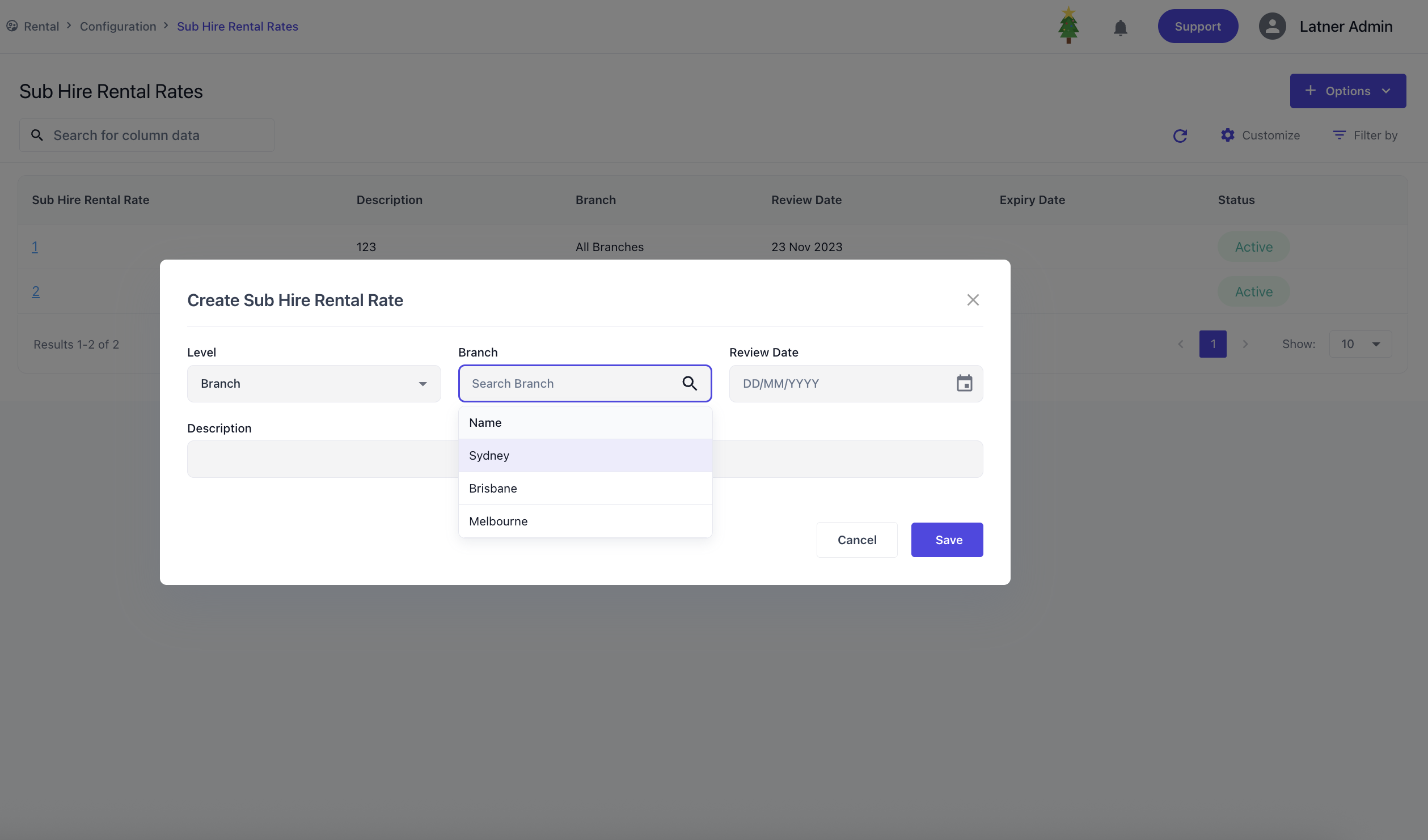
Once the rate card is created, the system opens a detailed screen where you can add rental details to this rental rate. Expiry dates can also be set to disable the rates accordingly through this detailed screen. Each rate detail line, you can specify
Equipment Class: the type of equipment being sub hired.
Rates: follows the rate system to be charged
Rental Rate Variations
Rental Rate Variations let you create multiple pricing options for the same equipment / package, giving flexibility to apply the correct rate during quoting or invoicing. When setting up rental rate variations, you define the name & description to best describe the use-case.
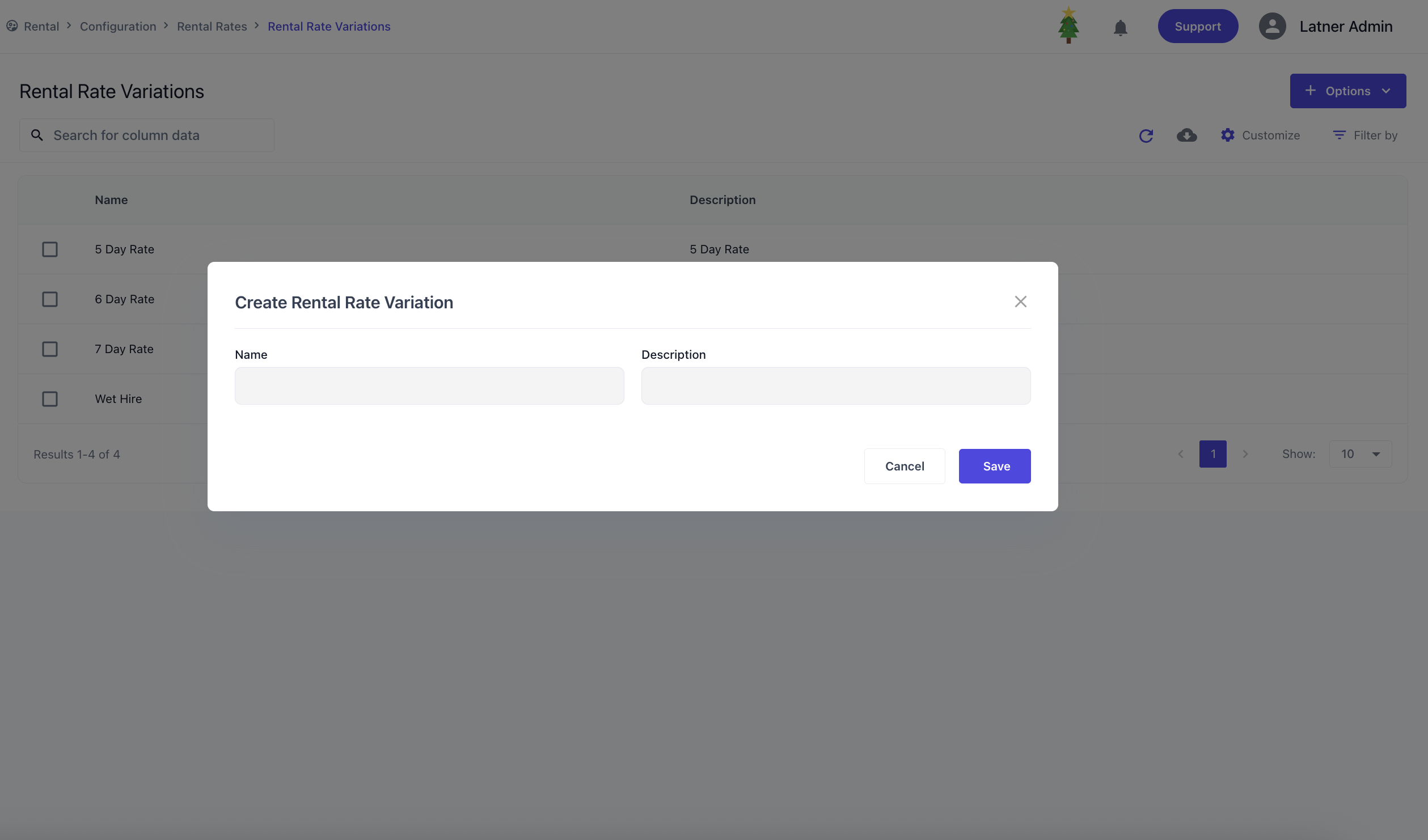
These variations are then set on the Rental Rates. Once this is done, when selecting a variation on a contract or quote, the system will display all variations for that equipment so you can choose the most appropriate one.
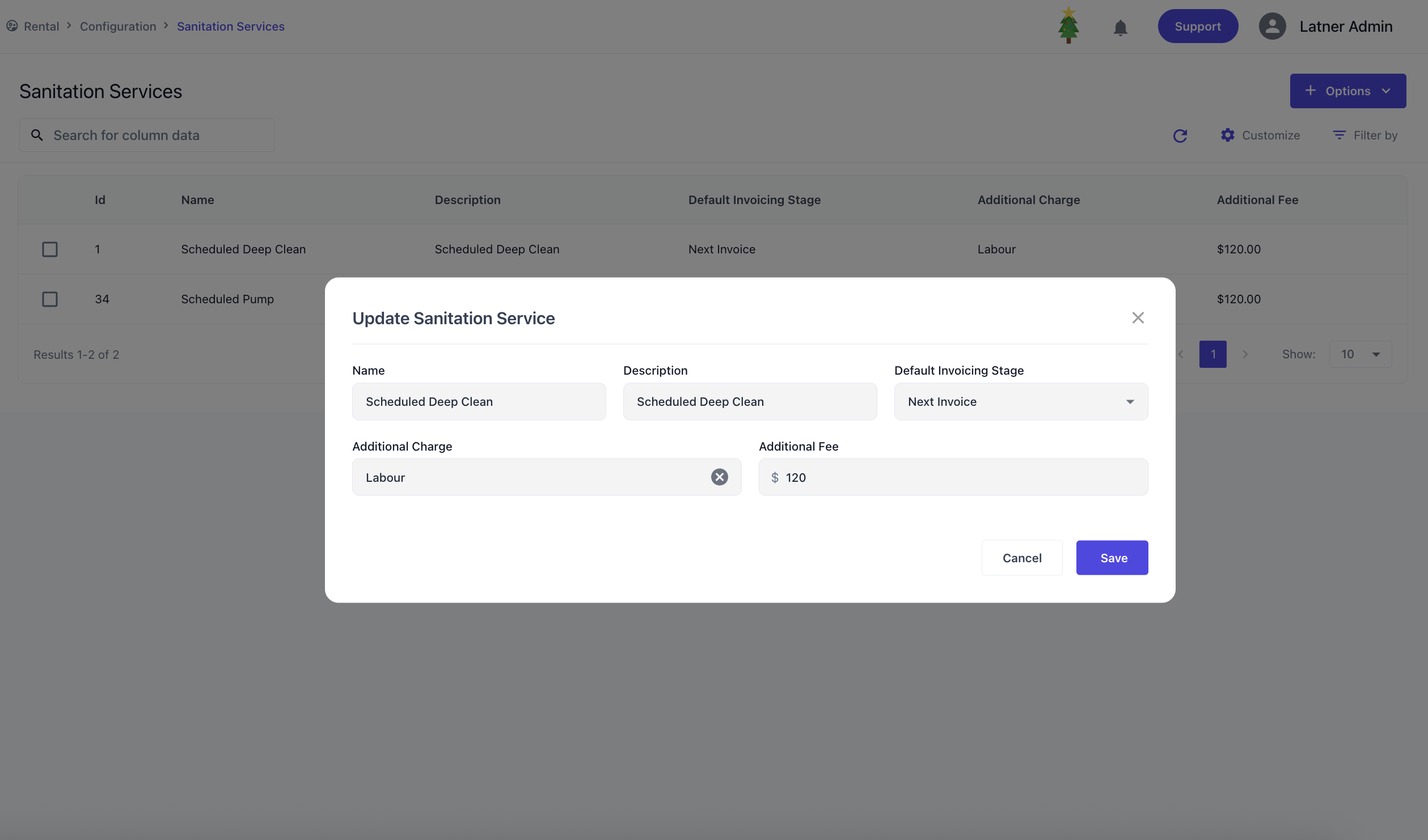
Sanitation Services
Sanitation Services are used to configure sanitation charges that can be applied to contracts. When setting up a sanitation charge, you define:
Default invoice stage: whether the charge is applied on return or on the next invoice.
Additional Charge: an additional charge with the sanitation consisting of Admin Charges
Additional Fee: the additional fee against the charge.
Lead Sources
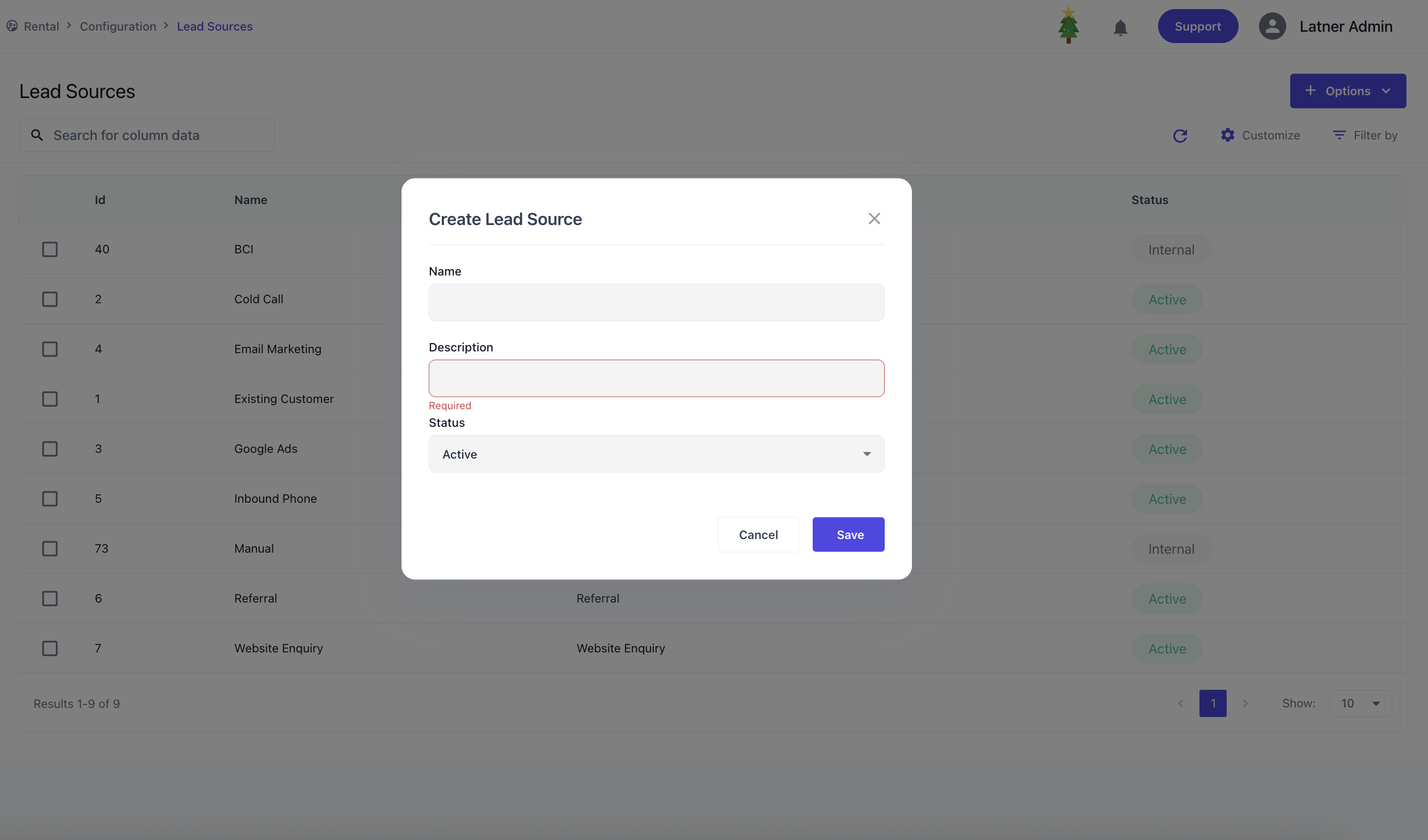
Lead Sources are used to configure origin points for incoming leads, typically used in rental quotes, sales orders, and CRM tracking. When configuring a lead source, you define the name / description to best describe the use-case and setting the status to active or inactive to use.
Stand Down Reasons
Stand Down Reasons let you record why a rental contract has been temporarily stood down, providing visibility for reporting and analysis. When setting up a stand down reason, you define the name and description to best describe the scenario.
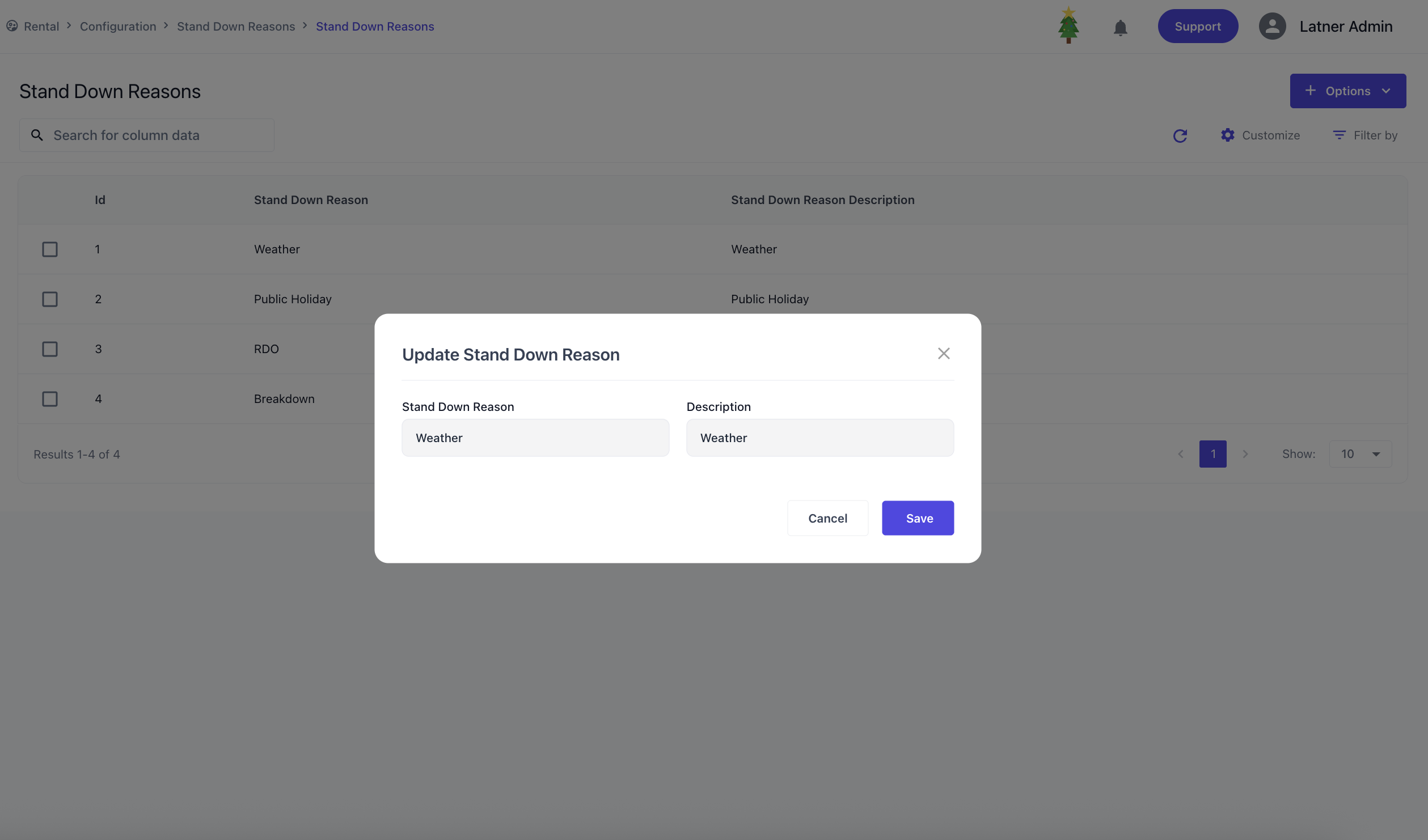
These reasons are then applied to rental contracts whenever a stand down occurs. Once selected, the system records the reason against the contract, ensuring accurate tracking and allowing trend analysis.