Service
Reasons
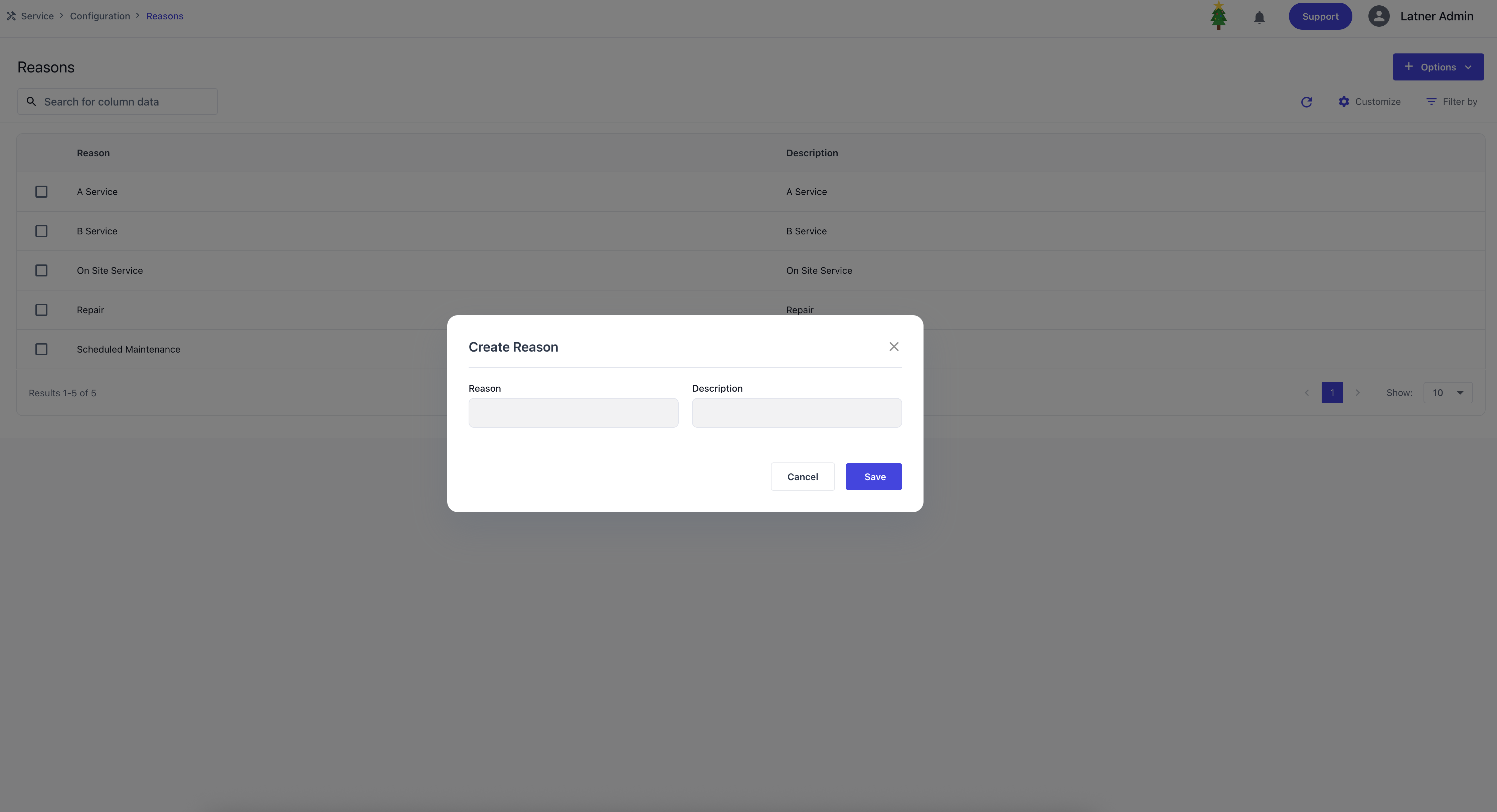
Reasons are used to configure the top‑level categorisation for Work Orders, identifying the purpose of each job. These reasons define why a work order is created and provide a structured way to classify operational activities. When setting up a work order reason, you define the name and description.
Categories
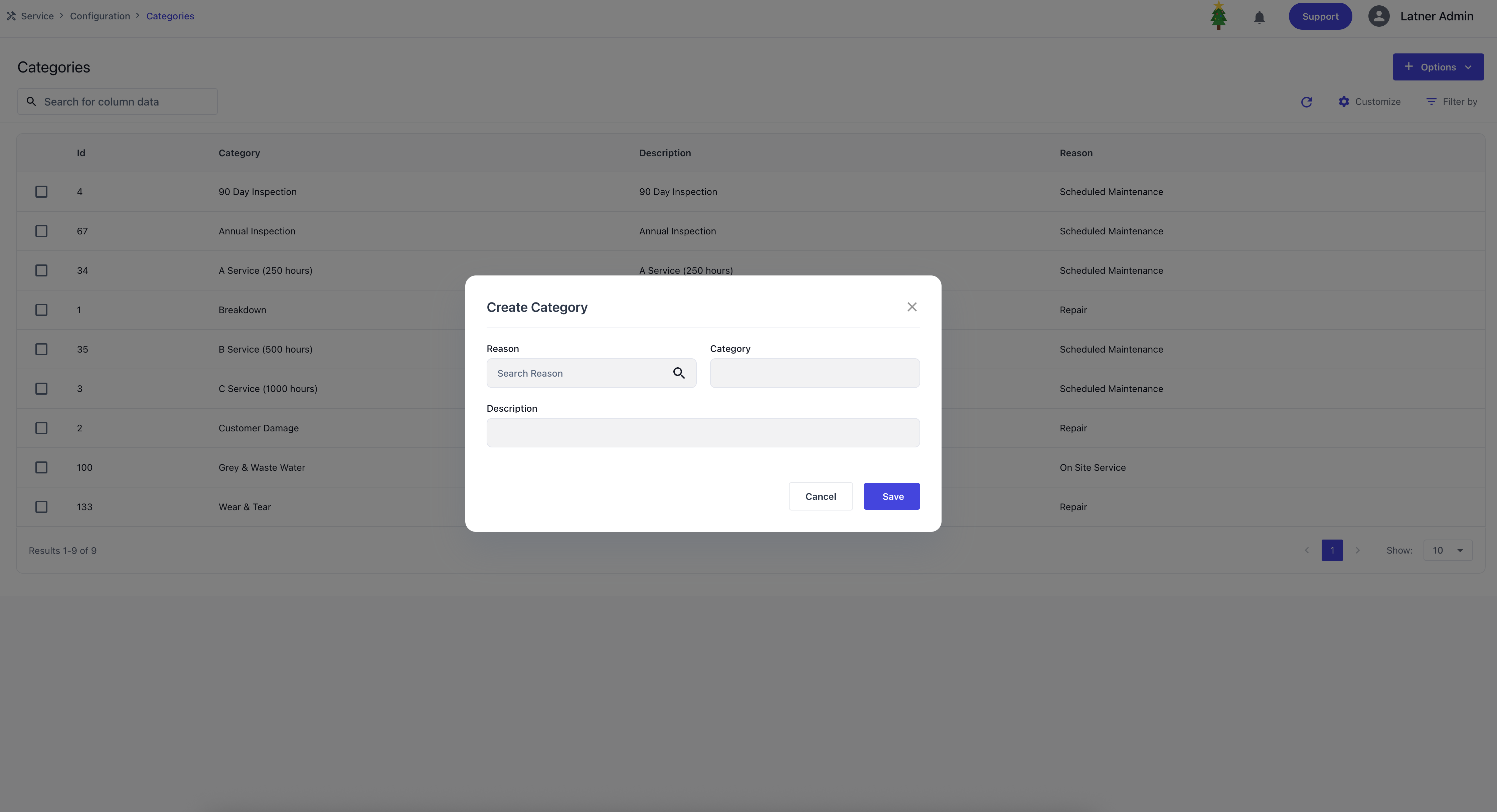
Categories are used to configure sub‑classifications under Work Order Reasons, providing greater detail and structure when categorising jobs. They allow work orders to be grouped more specifically within a reason, ensuring clarity in reporting and operational tracking. When setting up a category, you define the parent reason it links to, name and description.
Skills
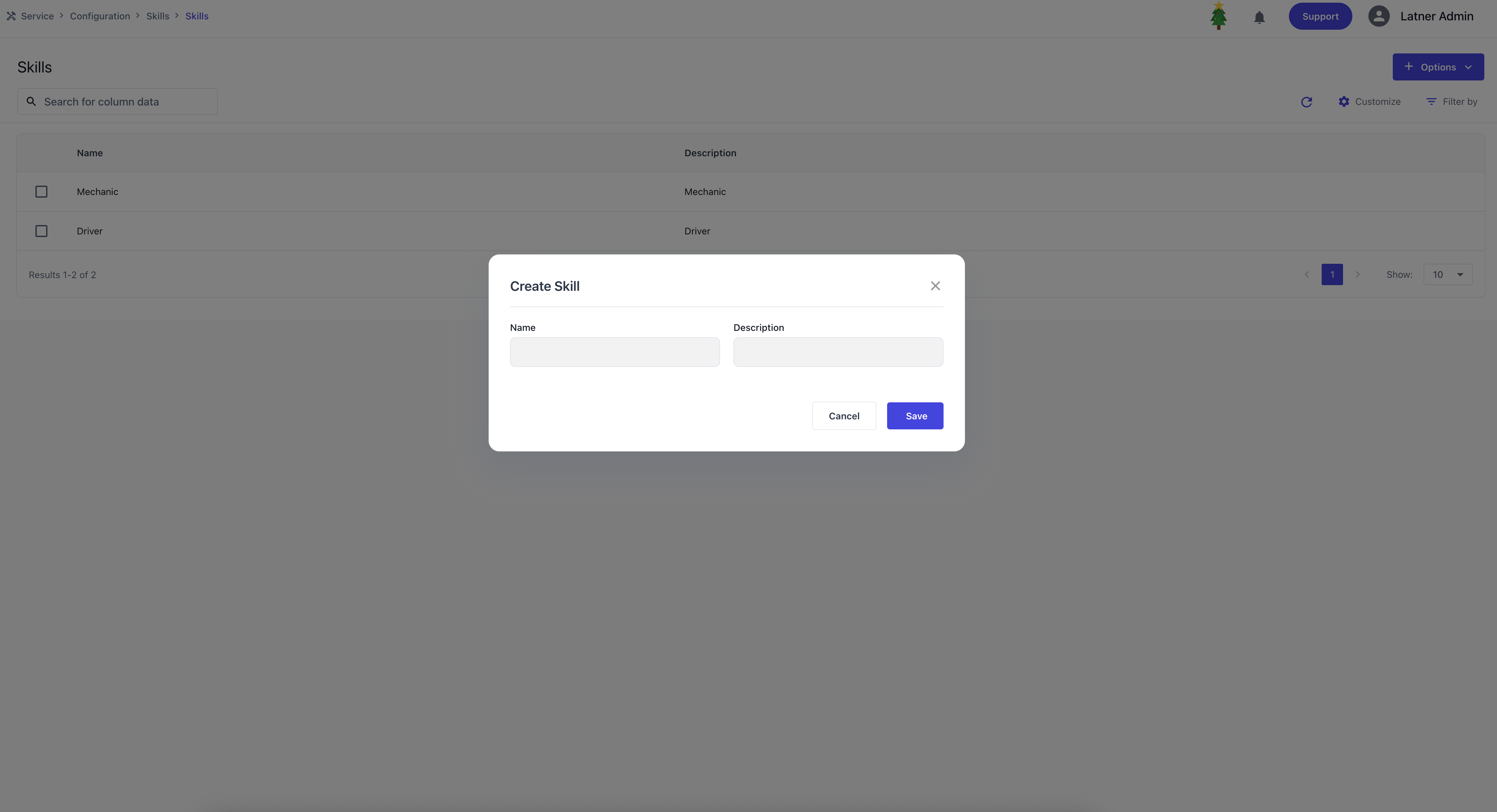
Skills are used to record the specific abilities or competencies applied by a skilled person while completing a job. These entries are not tied to billing or customer‑facing outputs, but instead serve as an internal tool for operational analysis.
Skilled Persons
Skilled Persons are users configured in the system who have access to completing certain jobs. They represent the operational workforce and can be allocated to tasks based on their roles and skills.
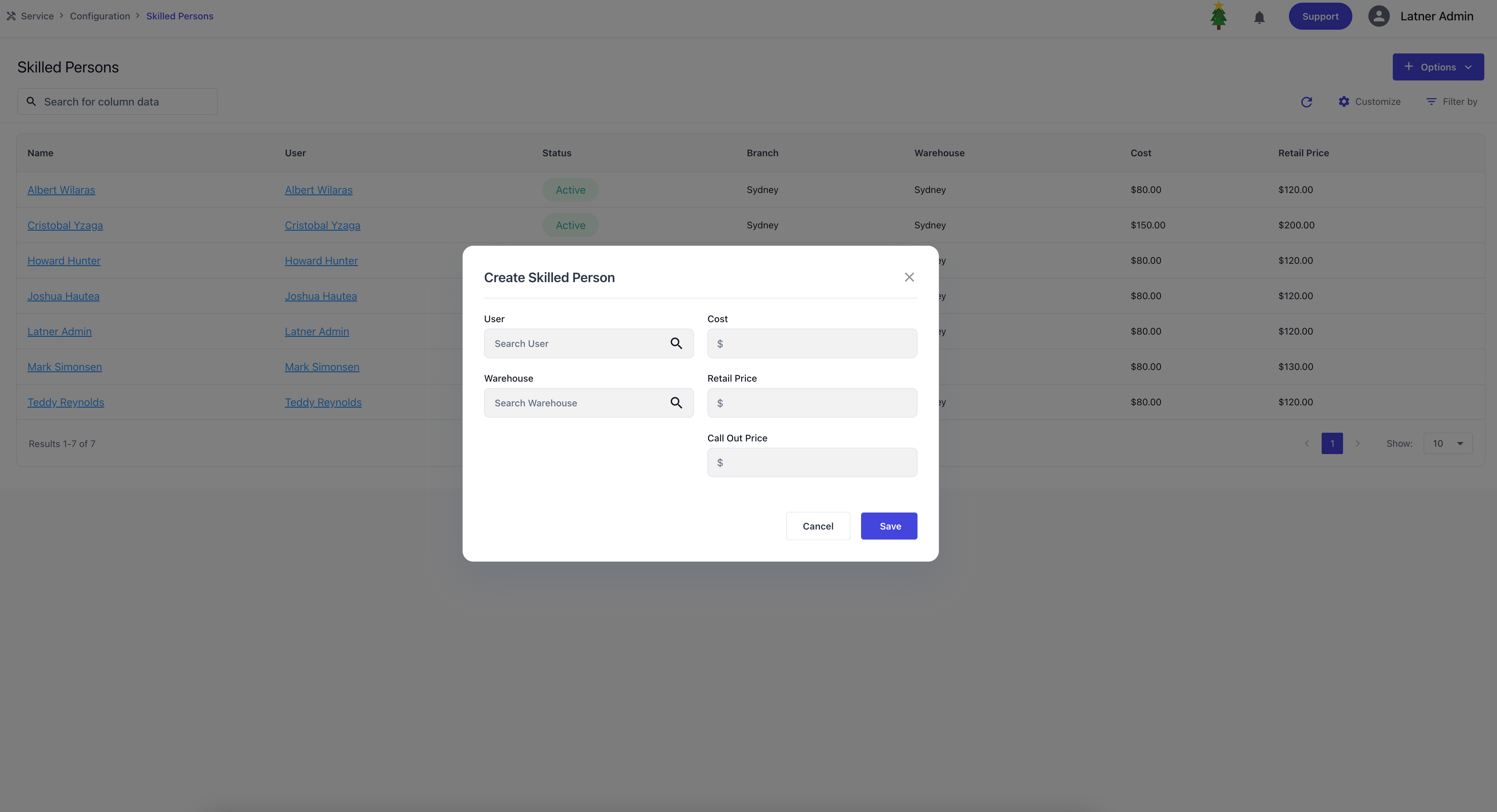
When creating a Skilled Person, you specify:
User: the system user account that the skilled person is tied to.
Warehouse: the warehouse of a branch the skilled person belongs to.
Cost: the internal cost rate associated with the person.
Retail Price: the charge‑out rate for their work.
Call Out Price: the rate applied for call‑out jobs.
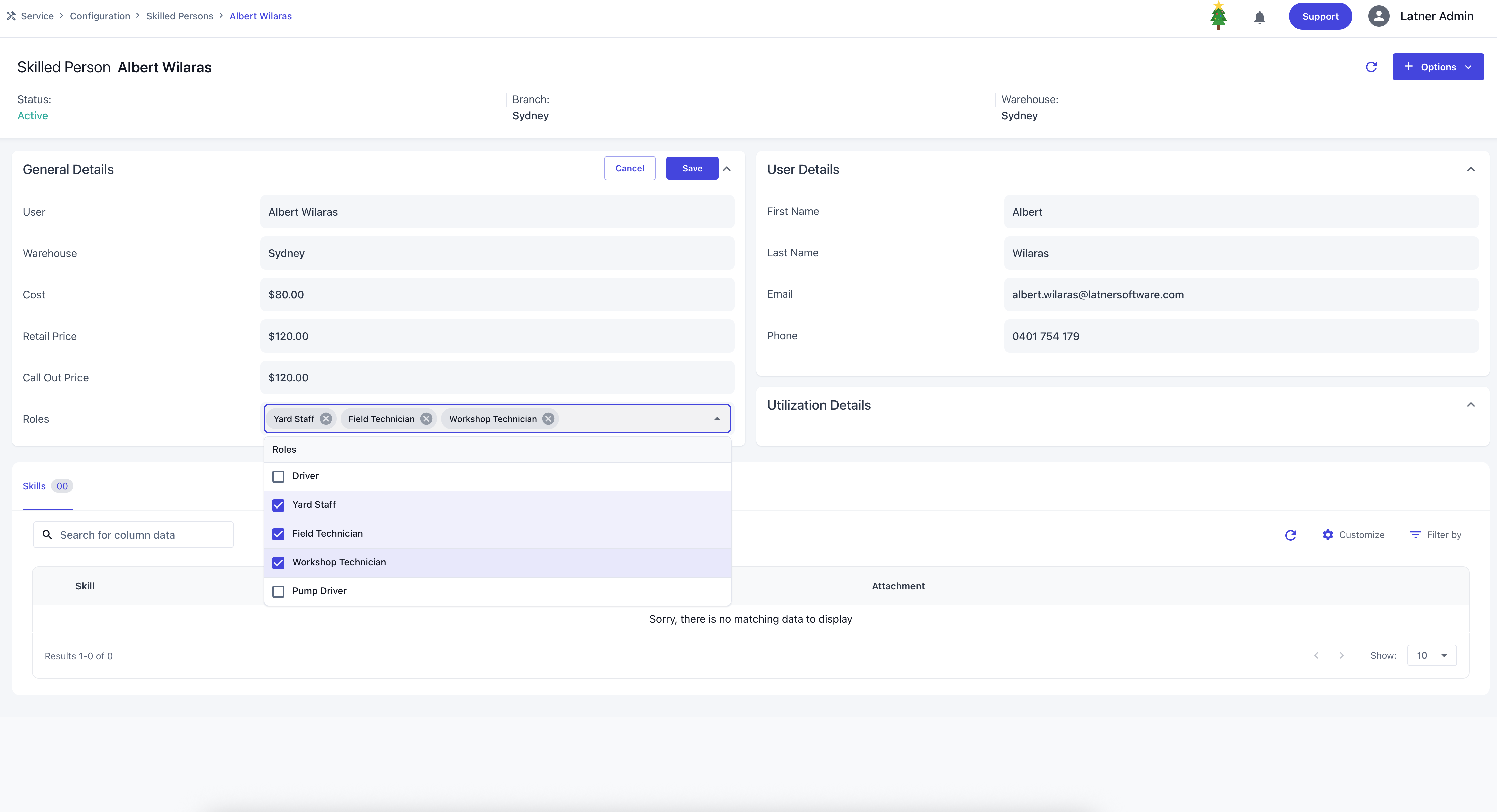
Once created, you can assign roles to the skilled person. Roles determine which mobile functionalities they can access and make them available for allocation on specific scheduling screens.
Driver: gains access to Mobile Transport and can be filtered out on Transport Allocation.
Yard Staff: gains access to Mobile Inspections and can be filtered out on Inspection Allocation.
Workshop / Field Technician: gains access to Mobile Work Order and can be filtered out on Service Allocation per category.
Pump Driver: gains access to Mobile Sanitation.
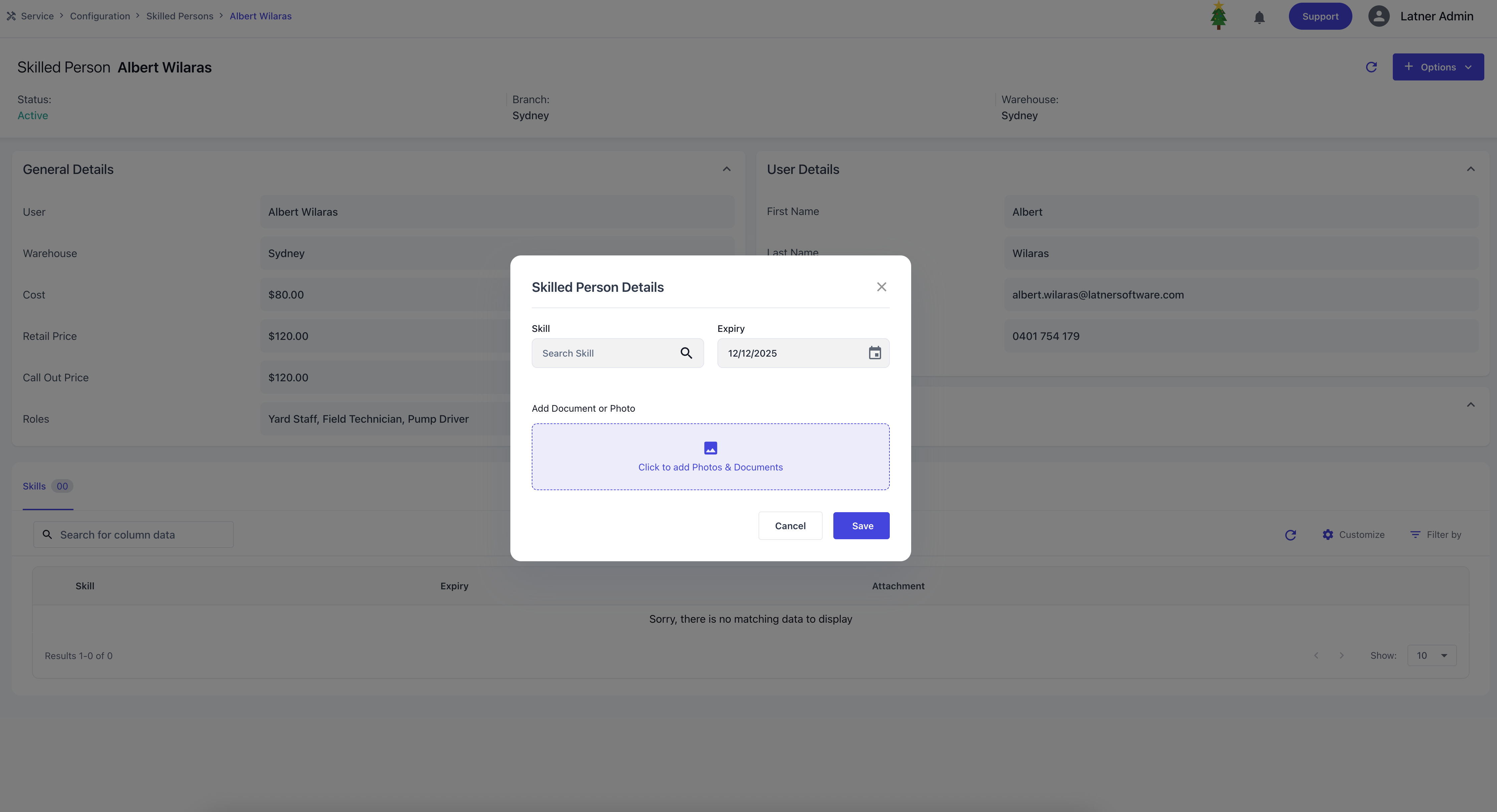
Clicking Options allow you to Deactivate the skilled person if they are no longer active or Assign skills by specifying:
Skill: the competency being recorded.
Expiry: the date the skill or certification expires.
Document/Photo: supporting evidence, typically certificates.
Skilled Person Rate Books
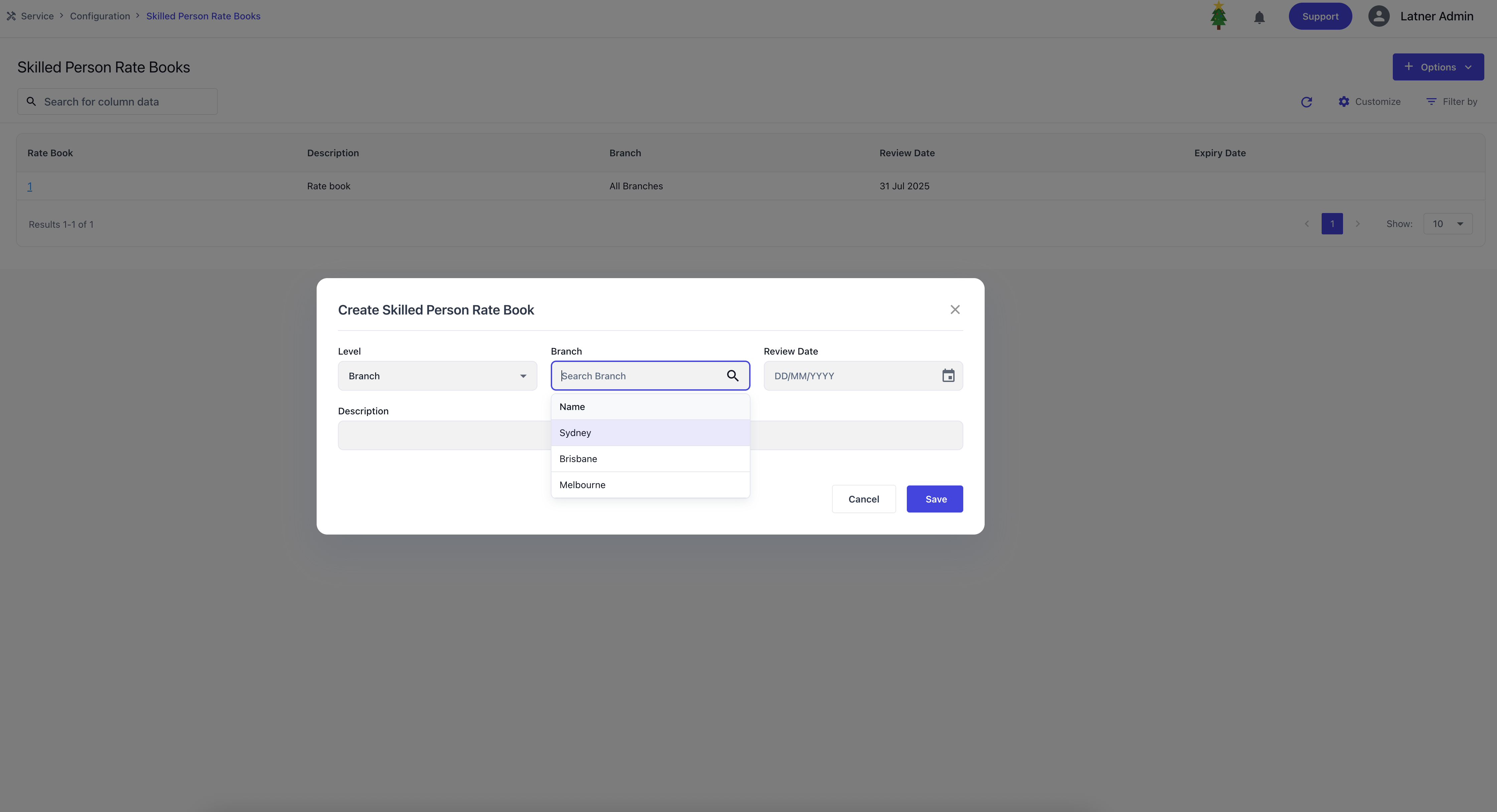
Skilled Person Rate Books are used to create and manage rate cards that define how charges are applied for work performed by skilled persons. These rate books ensure that timesheet entries and work orders are billed consistently according to equipment class or model. Rate books can be assigned directly to a Customer. When creating a Skilled Person Rate Book, you specify:
Level: whether the card applies to all branches or a specific branch.
Branch (if applicable): the branch the rate card belongs to.
Review Date: the date the rate card should be reviewed for accuracy.
Description: an identifier or purpose for the rate card.
Once the rate book is created, there are options where you can either copy existing rates to another card or add new rate details. Expiry dates can also be set to disable rates accordingly through this detailed screen.
Each rate detail line allows you to specify:
Equipment Class and/or Model: the equipment type the rate applies to.
Call Out Price: the rate charged for call‑out jobs.
Retail Price: the standard charge‑out rate for that equipment.
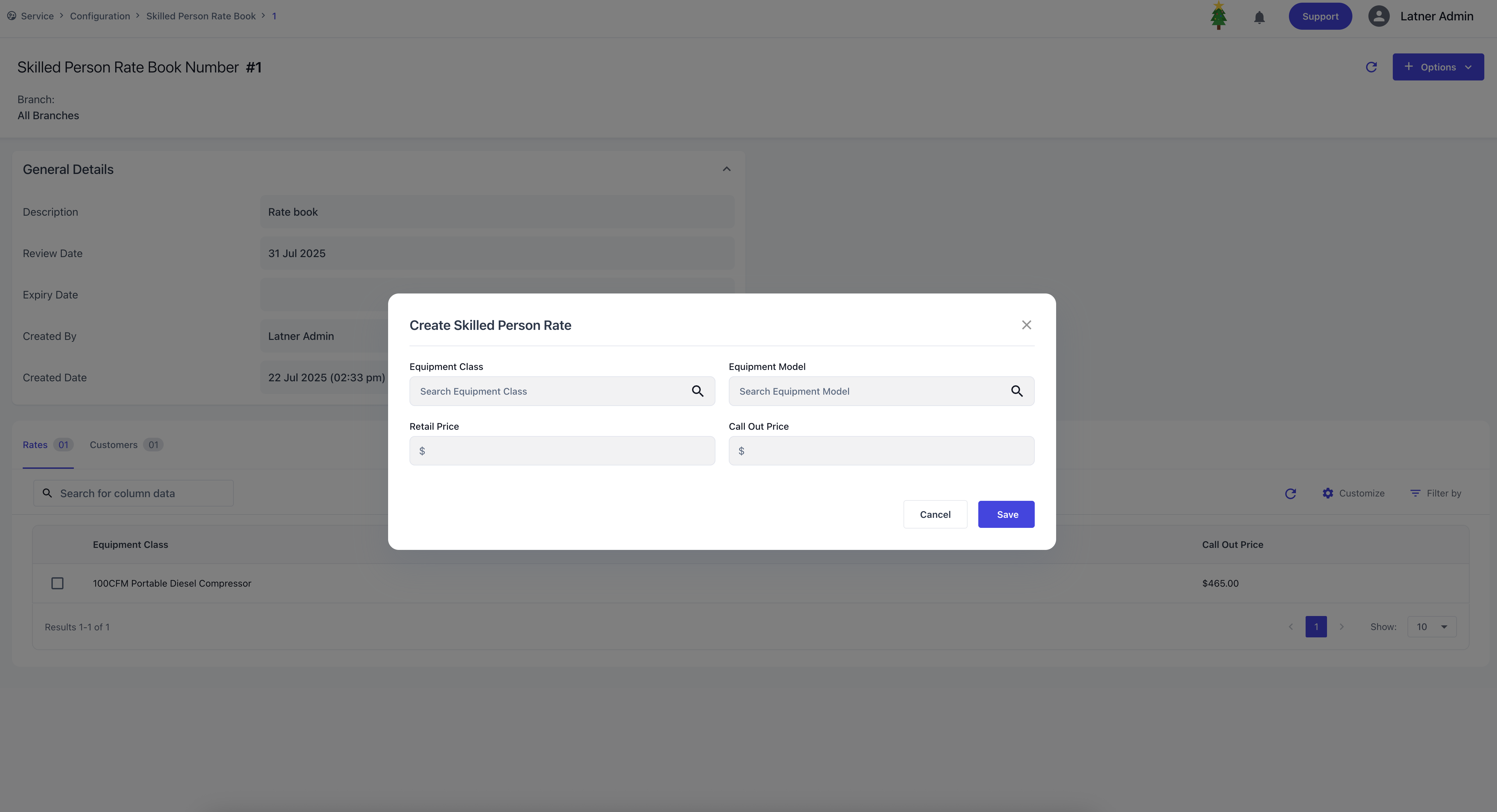
When a work order is completed, the system will identify the equipment class or model linked to the job, match the applicable rate from the Skilled Person Rate Book which will override the default skilled person rate and apply the lowest available rate across all rate books to ensure fair and consistent billing.
Service Request Types
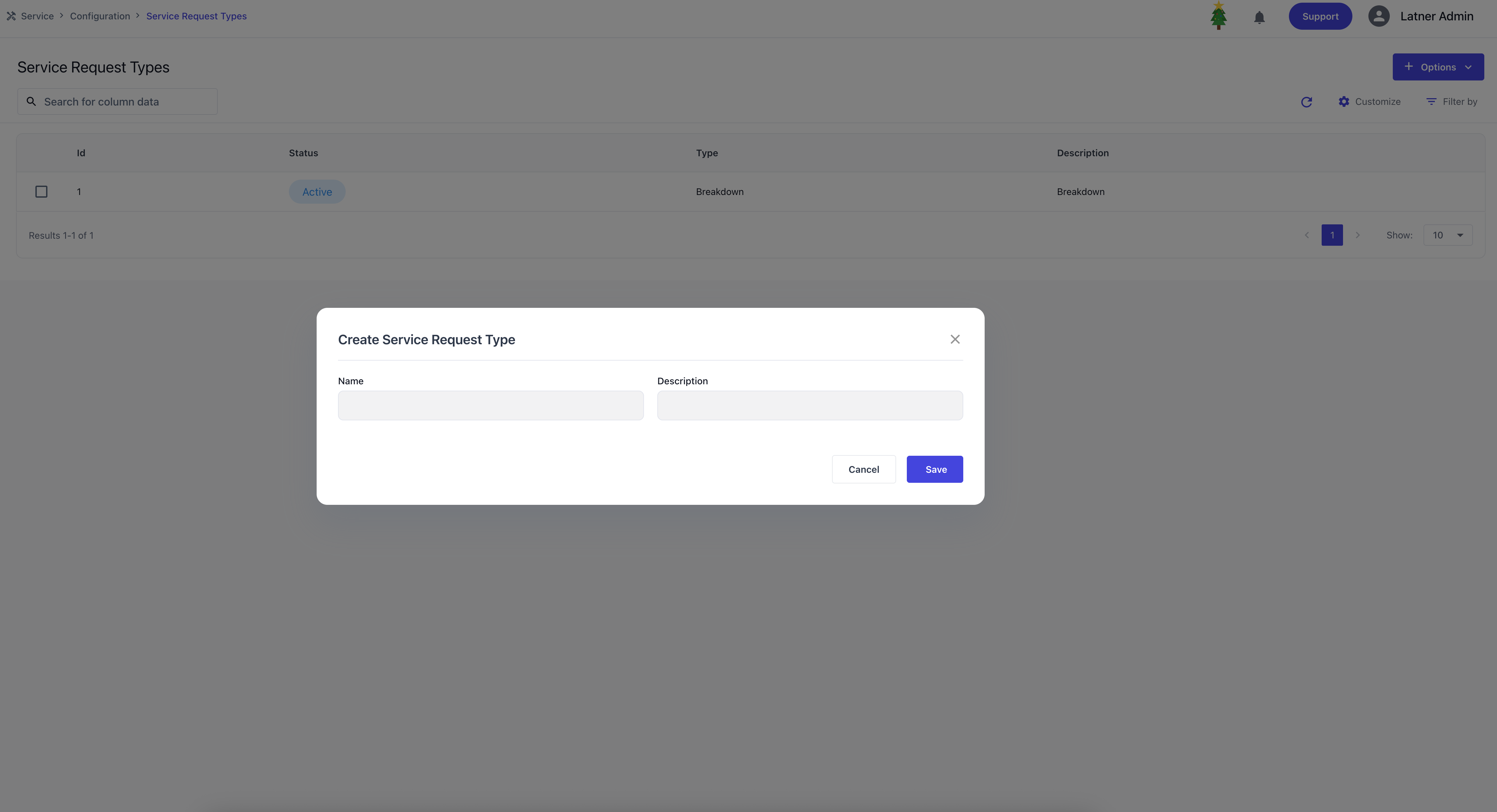
Service Request Types are used to categorise and identify the purpose of the request. They act as the preliminary step before creating a work order e.g. Breakdown Request or Customer Enquiry. When setting up a service request type, you define the name and description.
Service Request Statuses
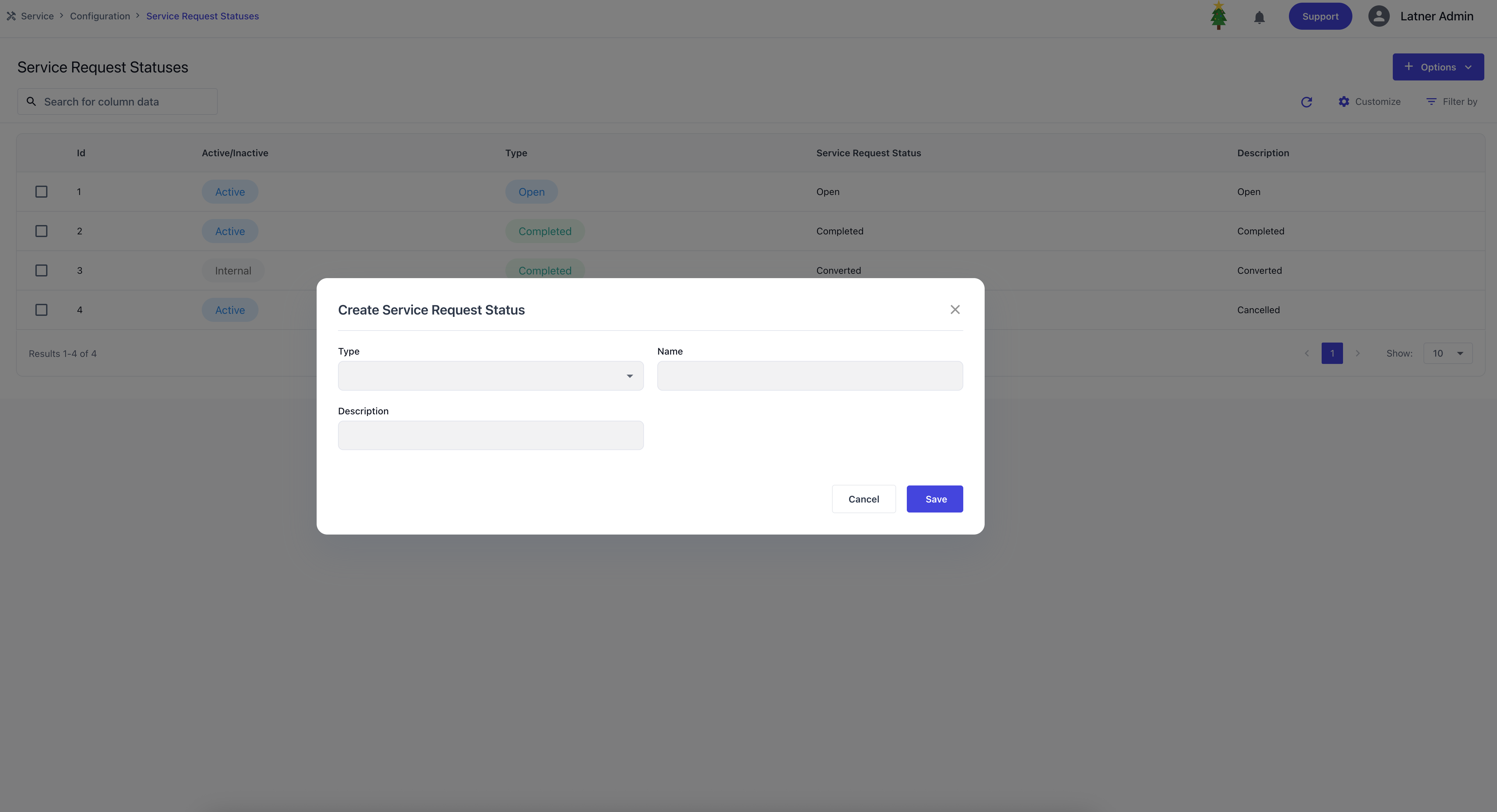
Service Request Statuses are used to categorise the progress of a service request. They are mostly used to track what has been done and lifecycle of requests before or after they are converted into work orders. When creating a service request status, you define the name, description and types:
Open: indicates the request is still active or awaiting action (e.g., “Waiting for Customer” or “Under Investigation”).
Completed: indicates the request has been resolved (e.g., “Solved on phone”).
Cancelled: indicates the request was closed without further action (e.g., “Equipment now works”).
Converted is also created as an Internal status that cannot be deleted. It completes the request and creates a work order when converted.
Timesheet Groups
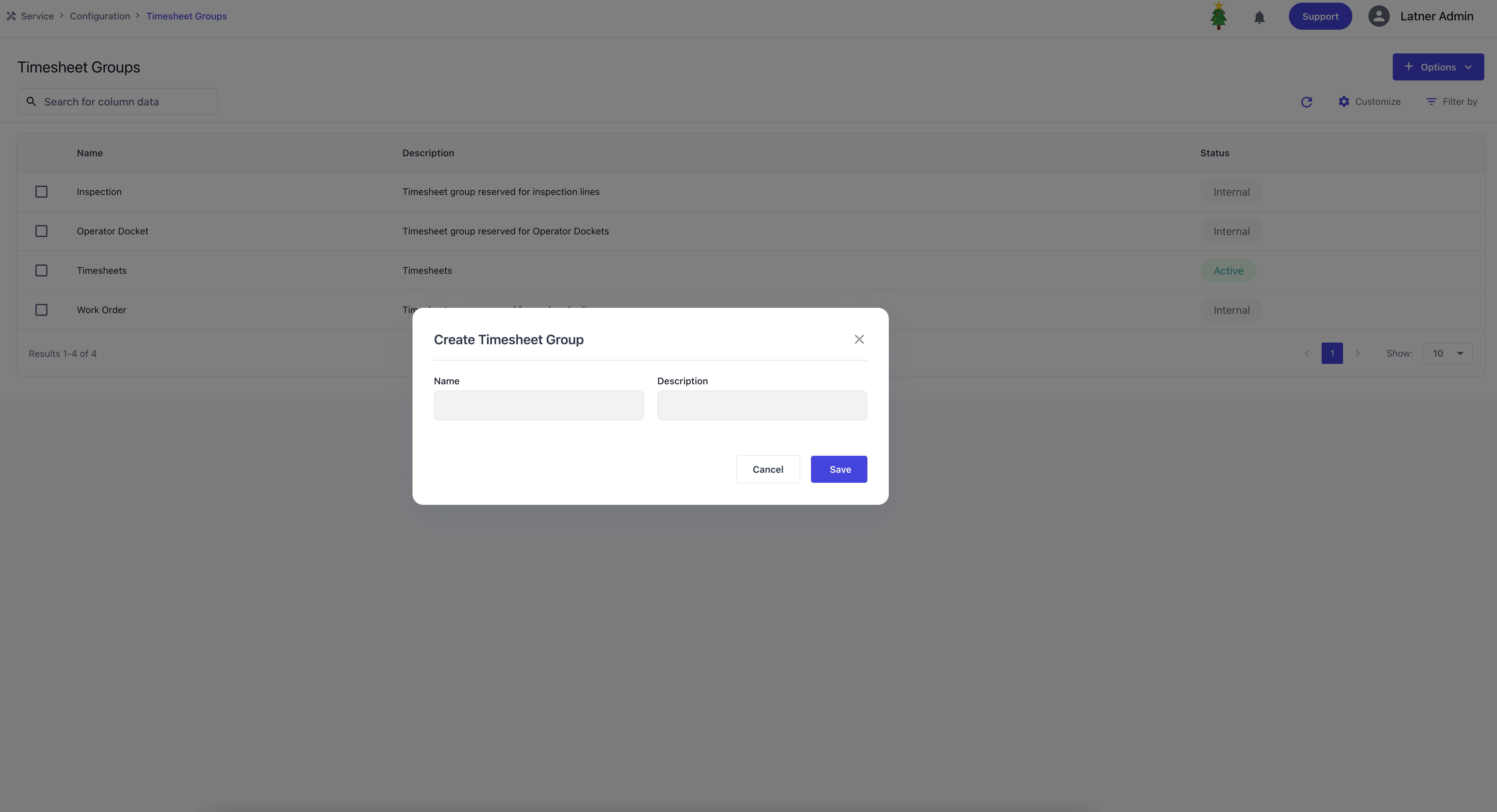
Timesheet Groups are used to categorise and organise timesheets in how different types of time entries are tracked. When creating a timesheet group, you define the name, description, and status (active or inactive). There are also predefined internal timesheets that cannot be deleted: work orders, operator dockets, inspections.
Timesheet Sub Groups
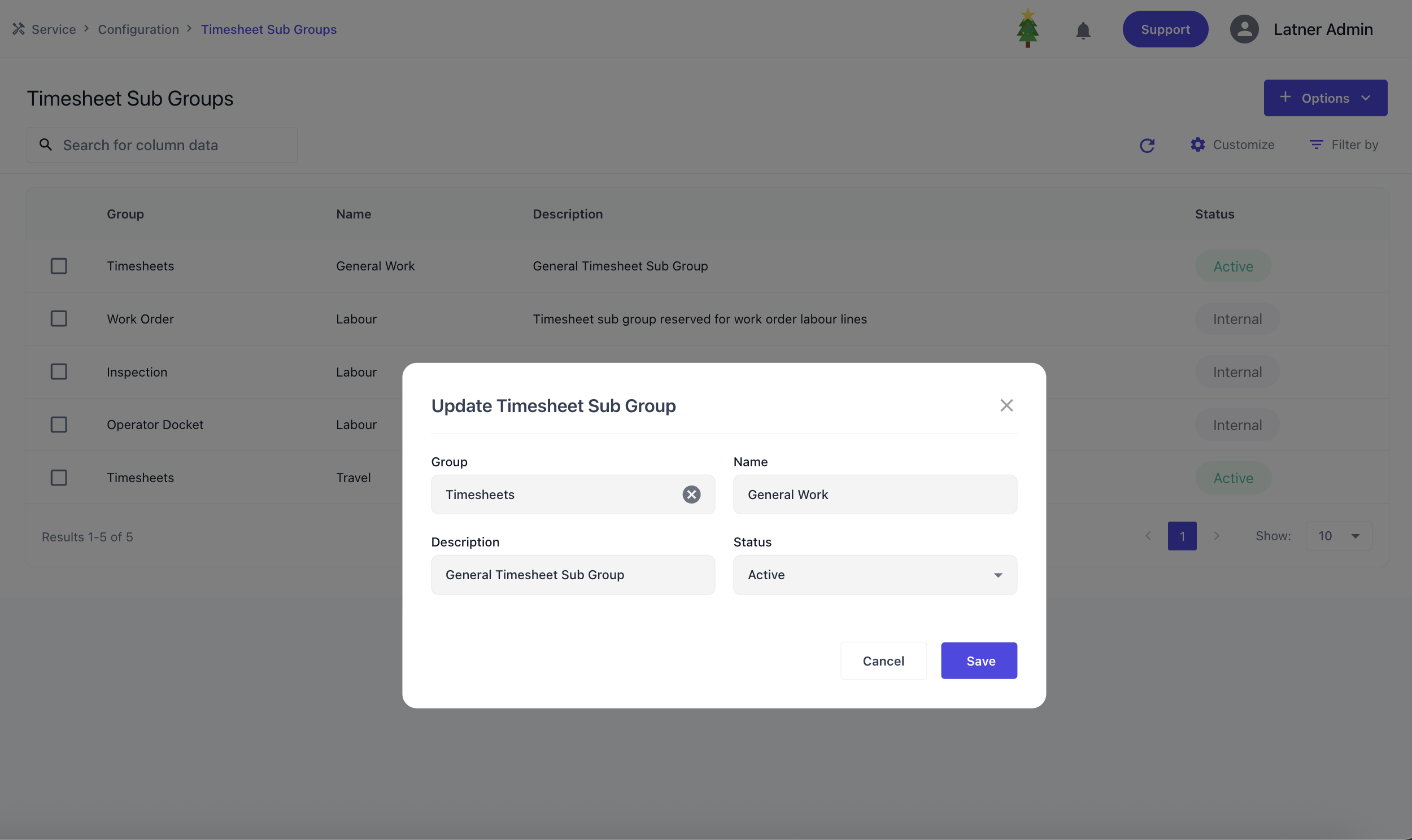
Timesheet Sub Groups are used to further categorise and organise timesheets under their parent Timesheet Groups, providing more detailed tracking of time entries. When creating a timesheet sub group, you define the parent group it belongs to, name, description, and status (active or inactive). There are also predefined internal timesheet sub groups that cannot be deleted for labour belonging to work orders, operator dockets, inspections groups.